Does Canon Printer Ink Dry Out? Here’s What You Should Know!

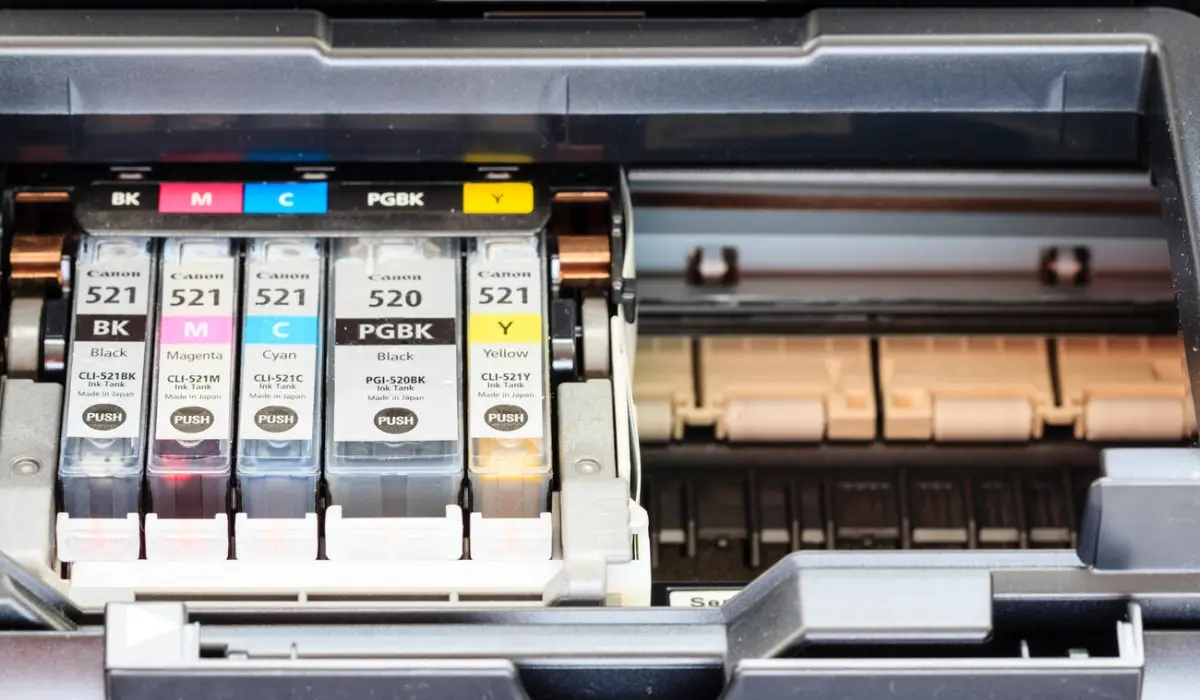
Many home and office users often ask, “Does Canon printer ink dry out?” This question is important because when ink dries out, it can cause problems with your printing, leave streaks on your documents, and even result in damage to your printer if not taken care of. Whether you print a lot or just occasionally, knowing how the cartridges work will help you save money by knowing how to keep the ink from drying out and delivering the best quality prints possible.
Canon printers create good-quality prints; however, like with all inkjet printers, cartridges can dry out if not maintained properly. This article will explain why cartridges dry out, what to look for if they are drying out, ways to prevent drying out, and what to do when cartridges do dry out. After reading this article, you will be able to manage your printer and have confidence that you will always receive high-quality printouts every time you print.
Why Ink Cartridges Dry Out
Inkjet cartridges have liquid ink that flows through tiny nozzles to make printing smooth. If a cartridge isn’t used for a long time, the ink in the nozzle area starts to dry up. This makes it hard for ink to flow properly. Heat, direct sunlight, and low humidity are all environmental factors that can speed up the drying process. Also, if you keep the printer in a dusty area, dust can build up around the printhead and mix with the ink that is only partially dry.
Even if you only print once every few weeks, that might not be enough to keep the ink flowing smoothly. Canon printers are made to dry out less, but they still need to be used regularly or stored properly. Knowing these things can help you predict problems before they happen and get in the way of your work.
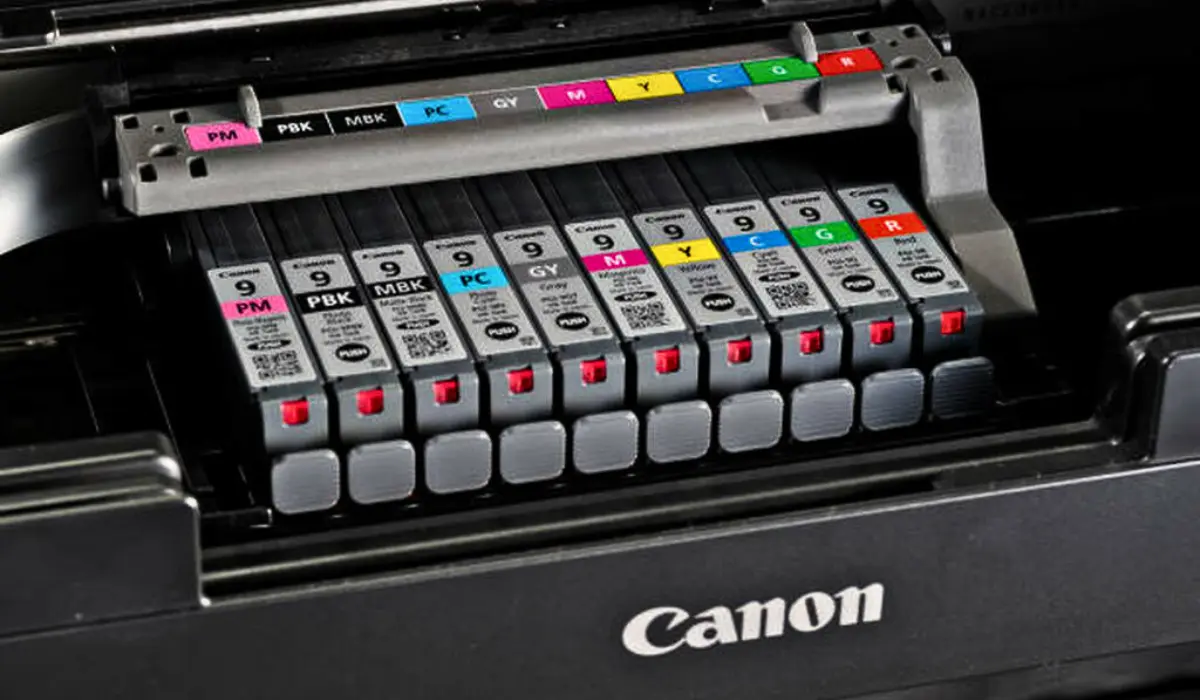
Signs Your Ink May Be Drying Out
Faded or Patchy Prints
A clear drop in print quality is one of the first signs that a cartridge is drying out. If pages have light spots, missing text, or colors that don’t match, the ink nozzles may be partially blocked.
Error Messages
Canon printers often find problems with the flow and show alerts about low ink levels or problems with the printhead. When the printer has trouble accessing ink from the cartridge, these warnings typically appear.
Printer Making Unusual Noises
If the printhead can’t release ink correctly, the printer may make louder-than-usual mechanical noises as it tries to finish the job.
Slow or Interrupted Printing
When a cartridge is dry, the printer has to work harder, which can slow down the printing process or even stop it in the middle of a job to clean itself.
How to Prevent Ink from Drying Out?
Use the Printer Regularly
Printing a page or two every week keeps the ink flowing and stops it from getting stuck. This is the easiest way to keep things from drying out.
Keep the Printer Covered
Dust can get into nozzles and mix with semi-dry ink. A dust cover helps keep the printing area clean.
Store Cartridges Properly
Keep extra Canon cartridges in a cool, dark place and stand them up. Don’t keep them near windows, heat sources, or direct sunlight.
Turn Off the Printer Correctly
Don’t unplug it; just press the power button. This lets the printer put the printhead in a safe place where it won’t dry out.
Check Humidity Levels
Very dry rooms may cause things to evaporate more quickly. Think about putting your printer in a place with moderate humidity and balance.
What to Do If Your Ink Dries Out
Run the Printer’s Cleaning Cycle
Canon printers come with built-in cleaning and deep-cleaning tools. Running these cycles clears out clogged ink inside the printhead and gets the flow going again.
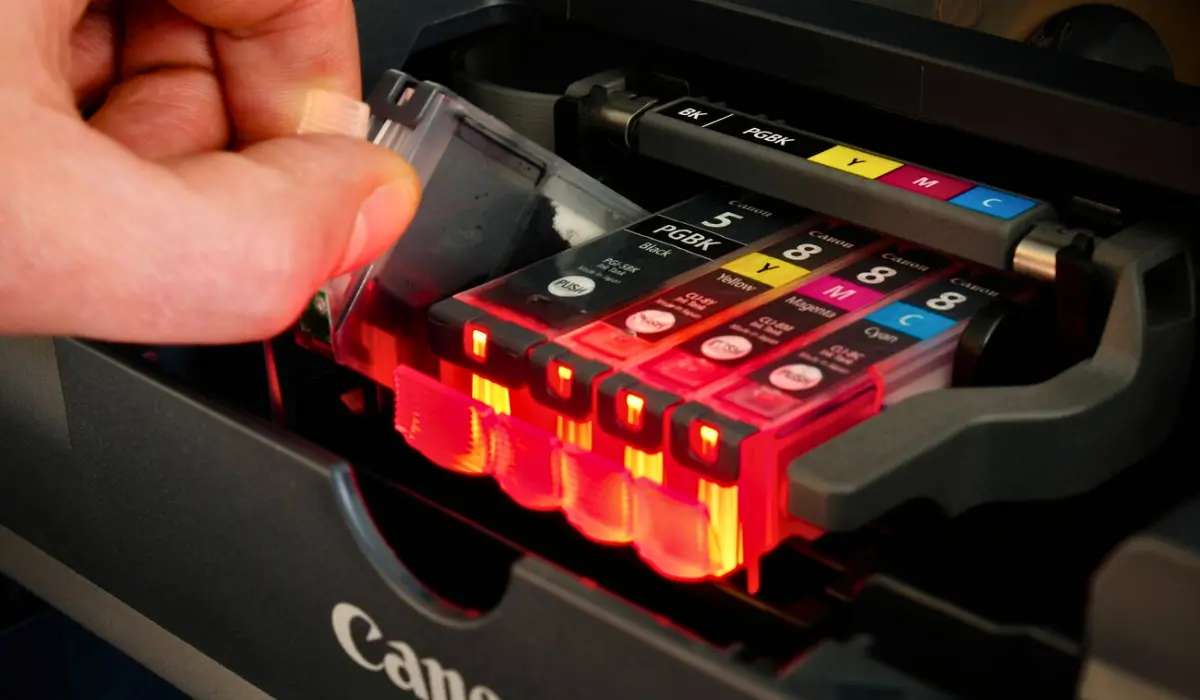
Remove and Clean the Cartridge
You can clean the nozzle area of the cartridge with a warm, damp cloth. This makes dried ink softer and gets rid of buildup. Don’t touch the electronic contacts because it could cause problems with recognition.
Try Hot Water Steam Treatment
Holding the nozzle area above warm steam for a few seconds softens stubborn dry ink. Be cautious and avoid soaking the cartridge.
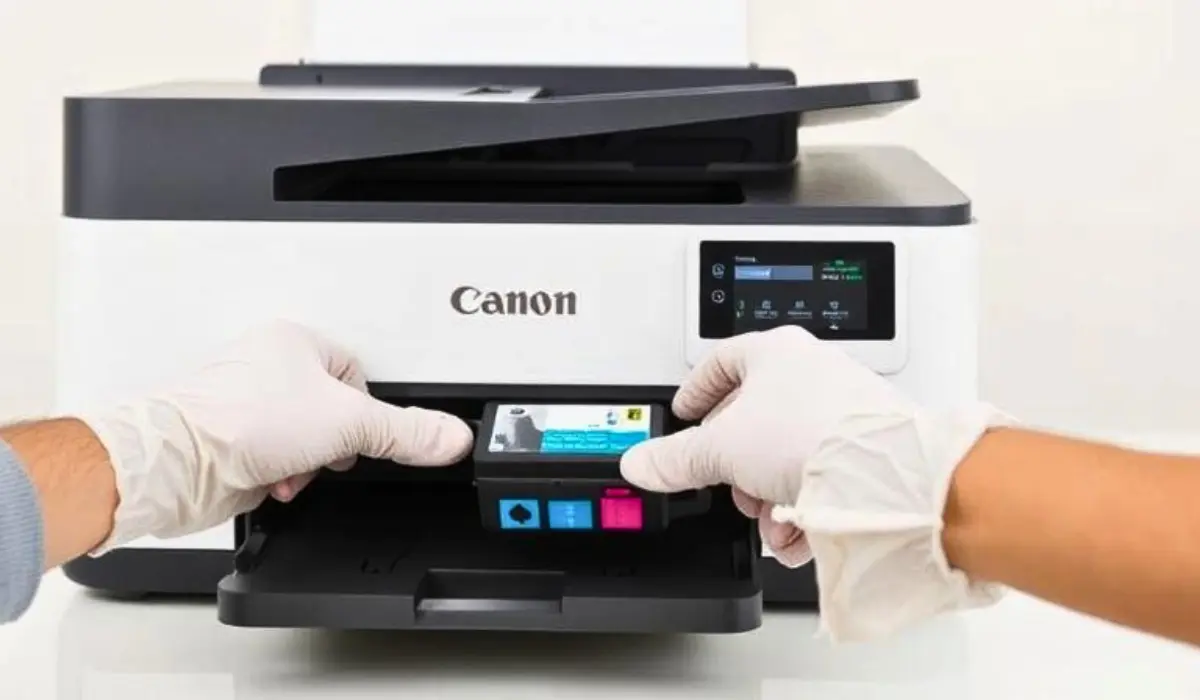
Replace the Cartridge
If cleaning doesn’t work, the best thing to do is to replace the cartridge. Some cartridges stop working when they get too dry.
How Long Does Canon Ink Last Before Drying?
When sealed, cartridges usually last up to two years. After they are installed, how long they last depends on how often they are used and the environment. In general, cartridges that are used often last for several months without drying out. This time may be shorter if you print from time to time.
Knowing these time frames can help you keep an eye on the health of your ink and avoid problems that come up out of the blue. When you keep track of how often you print, you can better tell when maintenance is needed.
Helpful Tips to Extend Ink Life
- Print a small color test page weekly.
- Keep your printer indoors, away from heat sources.
- Avoid opening new cartridges until needed.
- Use genuine Canon cartridges for better reliability and slower drying tendencies.
These habits help maintain print quality and reduce ink waste.
Conclusion
So, does Canon printer ink dry out? Yes! The main reason Canon printer ink dries out is that the printer has not been used (thus it was stored for a long period), or the printer is stored in varying temperatures (e.g., an environment that is hotter or colder than normal). Therefore, if you use the Canon Printer regularly (e.g., print daily or weekly), store your ink at the correct temperature, and perform regular maintenance, then your chances of having dried ink are very low, and your Canon Printer will perform consistently.
Knowing how to take care of your printer will help you save time, reduce frustration, and avoid buying more cartridges unnecessarily; therefore, when you develop a simple routine for taking care of your printer, you will always have a functioning printer whenever you need it, whether printing at home or work.