Best Printer for Office Use: Smart Reliable Choices

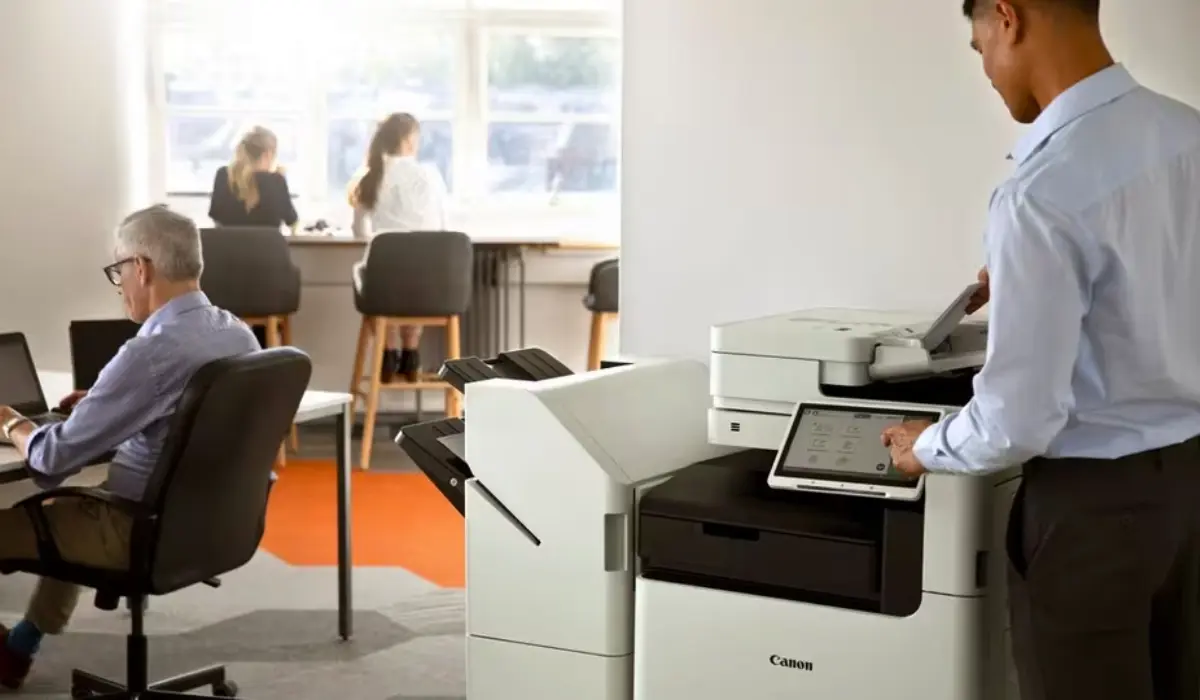
Choosing the best printer for office use is important for keeping the office running smoothly and keeping the workflow, document organization, and printing process all running smoothly. Offices have always needed to be able to print as part of their daily tasks. Choosing the right type of printer helps offices produce high-quality work faster than they would otherwise be able to, which means that employees will be able to get their work done more quickly and efficiently. An office can get more done with a printer that can quickly print, scan, and/or connect to more than one device.
More and more businesses are looking for printers that can do more than just print, like save money, do multiple tasks in one machine, and have strong security features. Choosing the best printer for office use will usually depend on a number of things, such as the size of the company, the types of documents it makes, the workflow of each department, and the features that will help each employee do their job better. A business that knows what kind of printing services it needs will be more likely to choose the right printer to meet those needs, which will give it a better chance of being successful over time.
Why Choosing the Right Office Printer Matters?
Selecting an office printer involves more than just choosing any device that prints. Offices need machines that deliver speed, accuracy, and reliability. A well-selected printer can reduce operational costs, streamline tasks, and support various departments with ease.
Key Factors to Consider
- Printing speed and volume: Offices with heavy workloads need faster performance.
- Connectivity options: Wi-Fi, mobile printing, and cloud access support modern workstyles.
- Print quality: Essential for professional documents, reports, and visual content.
- Running costs: Efficient ink or toner systems reduce long-term expenses.
- Security tools: Important for businesses handling sensitive or confidential files.
Best Office Printer Options to Consider
Canon imageRUNNER C3326i
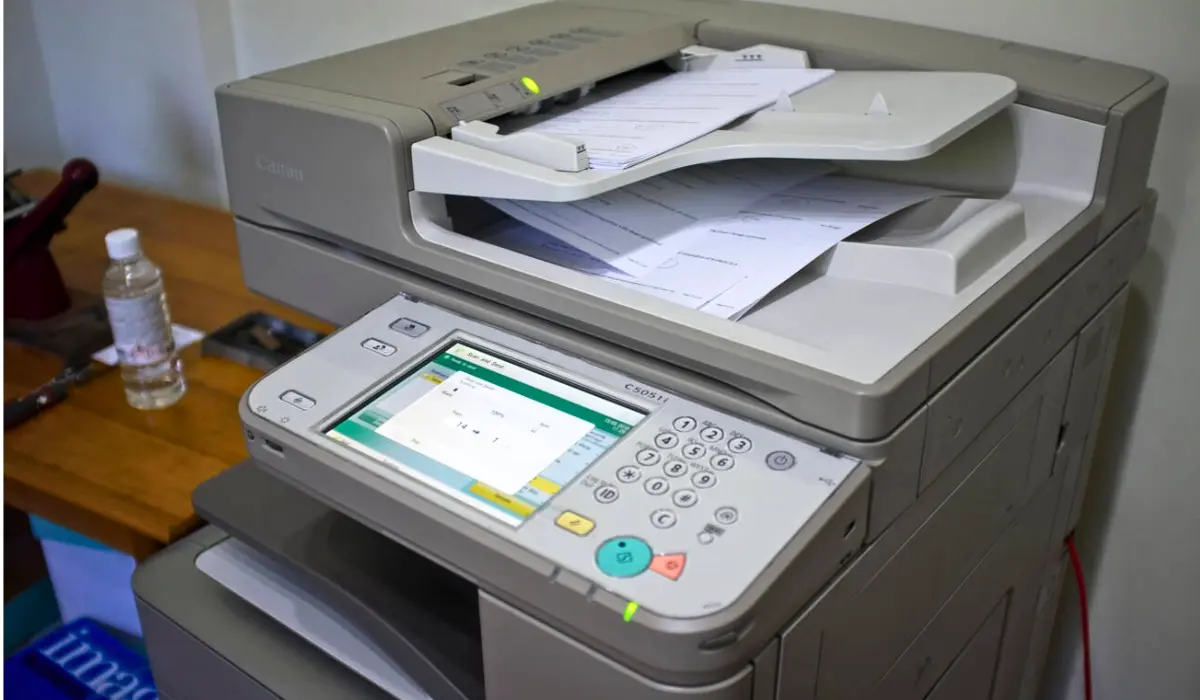
The Canon imageRUNNER C3326i is an excellent choice for offices that need fast and efficient color printing. It supports seamless scanning, copying, and secure document workflows, making it ideal for daily office operations where teams depend on consistent performance and easy cloud integration.
Canon imageRUNNER 2930i
Canon imageRUNNER 2930i is a great choice for businesses that need to print a lot of text. The printer works quickly and reliably, and it doesn’t cost a lot. It helps keep offices productive while also cutting down on high operating costs like expensive toner use or constant maintenance.
Canon imagePROGRAF TM-350
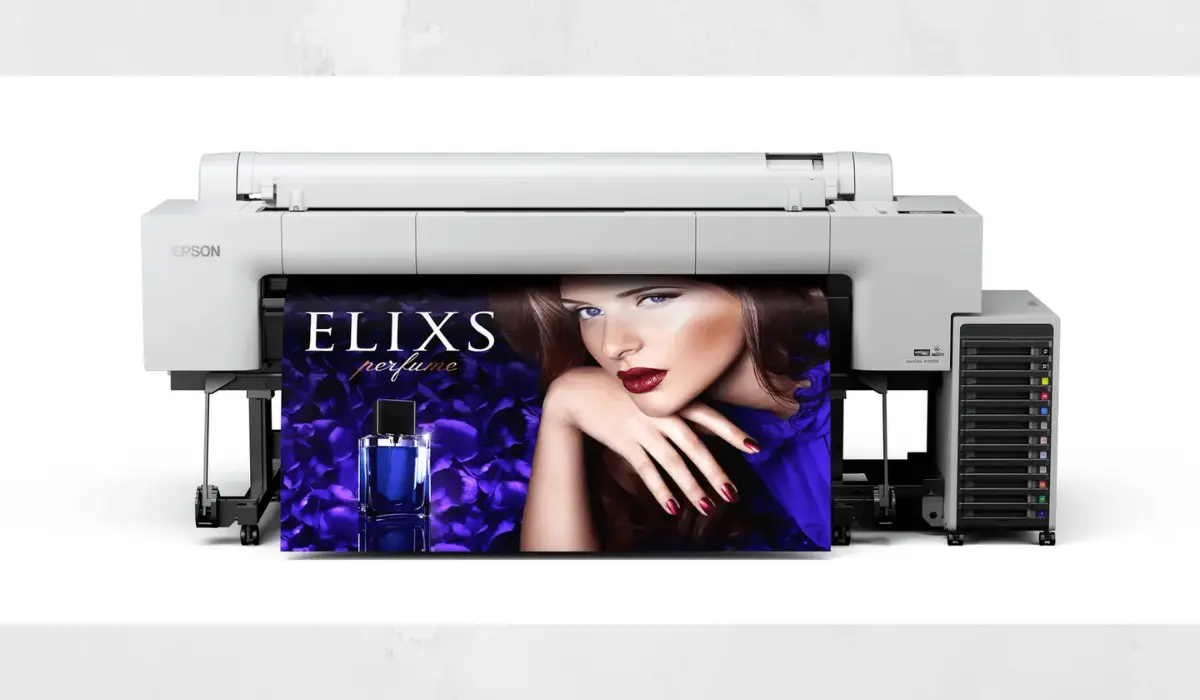
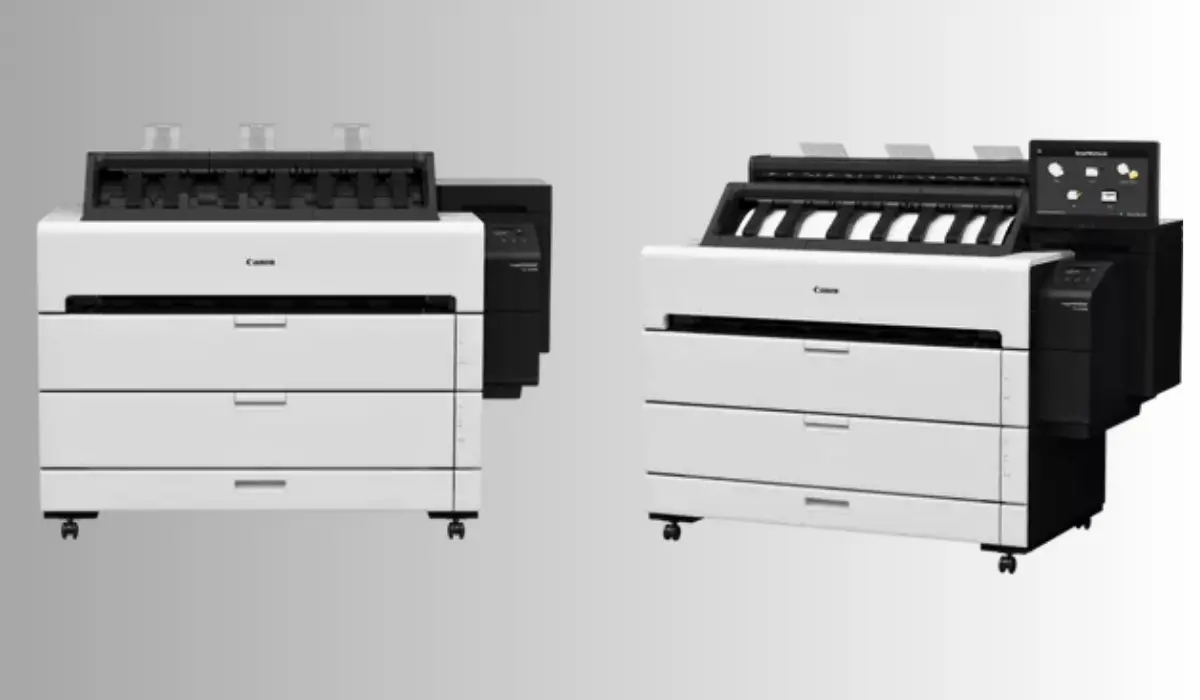
The Canon imagePROGRAF TM-350 large-format printer is great for offices that make graphics, construction plans, and engineering schematics. This unit is a great choice for technical and design departments with a lot of users because it runs very quietly and takes up very little space.
Epson SureColor P800
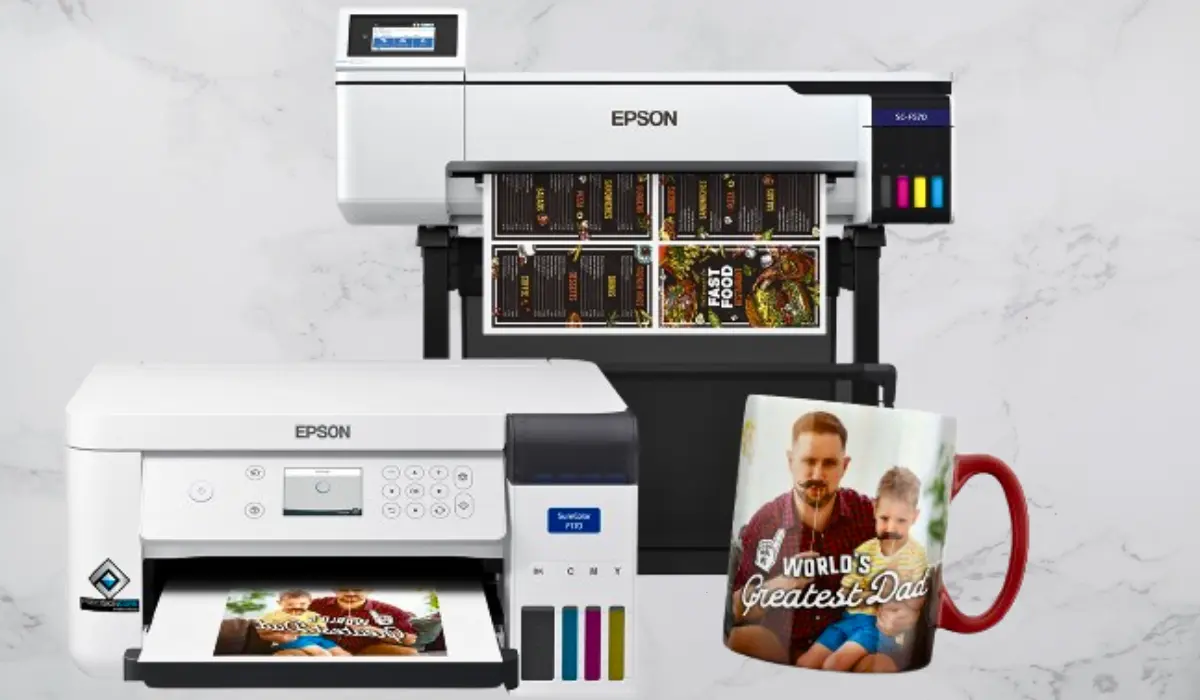
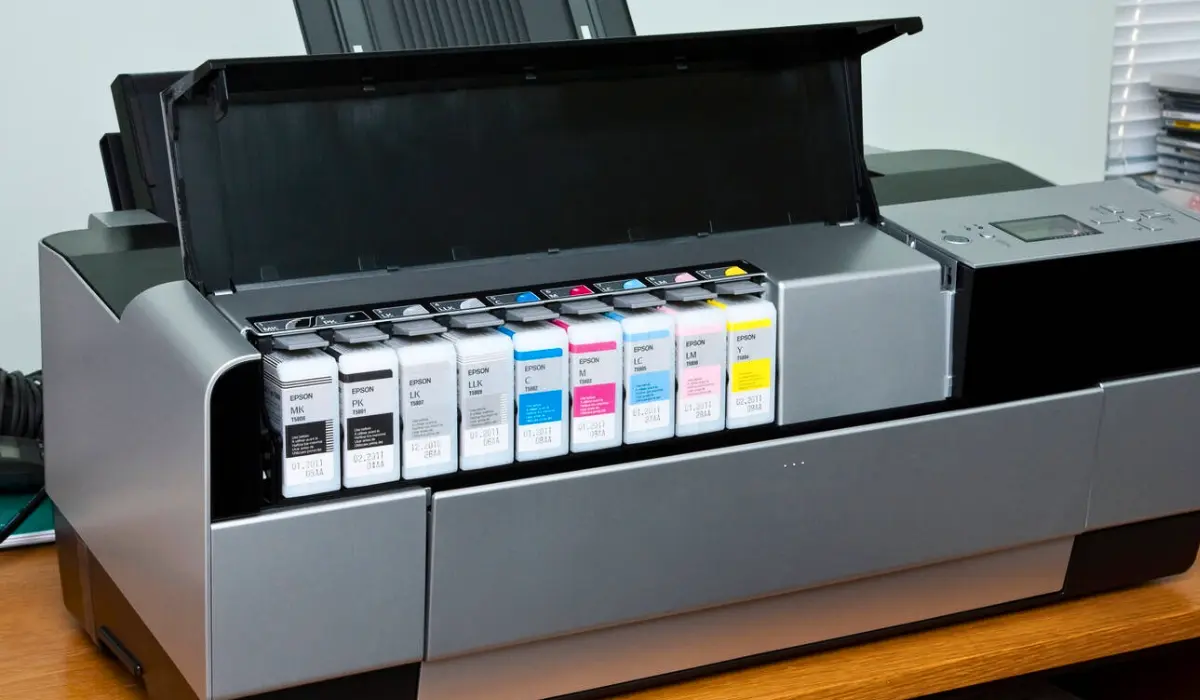
The Epson SureColor P800 is ideal for offices that require high-impact graphics and creative prints, as it produces bright, rich colors with exceptional detail. Marketing departments, photographers, and creative studios that need exact color reproduction all use this printer.
Epson SureColor P700
For offices that need high-quality images, the Epson SureColor P700 is a small, high-quality, and easy-to-use printer. Its cutting-edge color management technology makes sure that all results are the same, making it the best choice for creative processes and visual communication.
How to Choose the Best Printer for Your Office Needs?
- Identify the type of tasks your office performs
Monochrome models work well in offices where most of the work is done on text, but creative teams need models that can show more colors. Think about whether your job includes documents, graphics, or big prints.
- Evaluate daily print volume
High-capacity printers are needed in busy offices to keep things moving. Smaller teams may prefer compact multifunction units that can efficiently handle moderate workloads.
- Consider space availability
Big-format devices need more space, but small multifunction printers are great for small work areas. Pick a model that fits well with how your office is set up.
- Look for smart features
Cloud printing, mobile access, touchscreens, and authentication systems can make workflow and security much better in all departments.
- Compare long-term costs
Different models use different amounts of ink, toner, maintenance, and energy. Picking a printer that is affordable will save you money without sacrificing quality.
Conclusion
To find the best printer for office use, you should first assess your company’s printing needs, including workflow volume, required print quality, and how much physical space you have available within your office environment. Your office may determine which type of printer to purchase based on how you will be using it, whether for daily document printing, creative print jobs, or large-format output.
The best printers for offices deliver optimal performance by providing an acceptable balance of speed, quality, features, and cost per printed page, thus resulting in a productive office and reliability over the life span of the printer. Choosing the right printer for your business means a successful and efficient workplace with minimum downtime and maximum cost savings for years to come.