




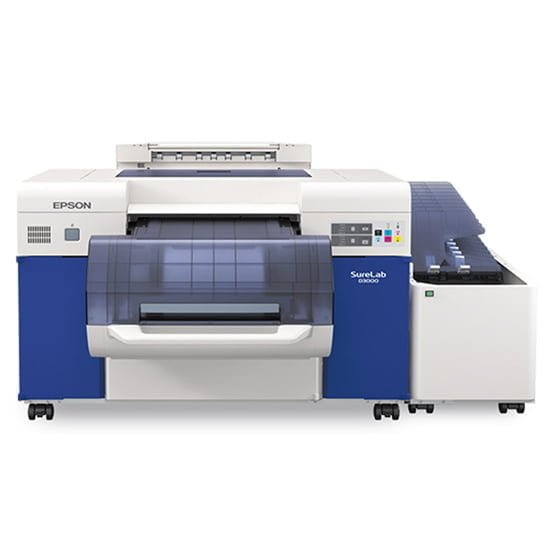
Epson Stylus PRO 4900
Designed to redefine the standard for photographic print quality, the Epson Stylus Pro 4900 incorporates our latest achievements in professional-level ink jet technology. By combining the precision of our MicroPiezo® TFP® print head with the extraordinary performance of Epson UltraChrome® HDR Ink, our newest generation of Epson Stylus Pro printers continue to represent a level of technology unprecedented in Epson’s history.
It was only a matter of time before our engineers found a way to push ink jet technology to the next level. By incorporating the most innovative technologies Epson has to offer, this could possibly be the most advanced photographic printing technology ever produced.
Description
- Printing Technology:
Advanced MicroPiezo TFP print head with ink repelling coating technology
10-channel, drop-on-demand, ink jet print head
11-cartrides configured as: O, G, C, LC, VM, VLM, Y, LK, LLK, PK or MK
Auto Head Alignment and Cleaning technology
Minimum Ink Droplet Size:
Smallest droplet size 3.5 picoliters
Variable Droplet Technology can produce up to three different droplet sizes per print line
Maximum Print Resolution:
2880 x 1440 dpi; 1440 x 1440 dpi; 1440 x 720 dpi;720 x 720 dpi; 720 x 360 dpi; Draft 360 dpi
720 x 720 dpi; 720 x 360 dpi; Draft 360 dpi
Maximum Printable Area:
Single roll up to 17″ width
Print Speed:
8″ x 10″ prints from 0:59 sec to 2:26; Normal is 1:28
11″x 14″ prints from 1:42 to 4:04; Normal is 2:31
16″x 20″ prints from 2:46 to 6:48; Normal is 4:11
Nozzle Configuration:
Color and Monochrome 360 nozzles x10
Replacement Ink:
Photo Black T653100
Cyan T653200
Light Black T653700
Vivid Light Magenta T653600
Light Cyan T653500
Orange T653A00
Light Light Black T653900
Green T653B00
Fade Resistance / Print Longevity:
Color: Up to 200 years1
Black-and-White: Up to 400 years1
Operating Systems:
Mac: Leopard 10.5, or higher (16-bit)
Windows: XP, Vista, and Windows 7 (32 & 64-bit)
Sound Level:
45 dB (A)
Dimensions:
34″(W) x 16″(H) x 30″(D)
Weight:
115 lb
Related products
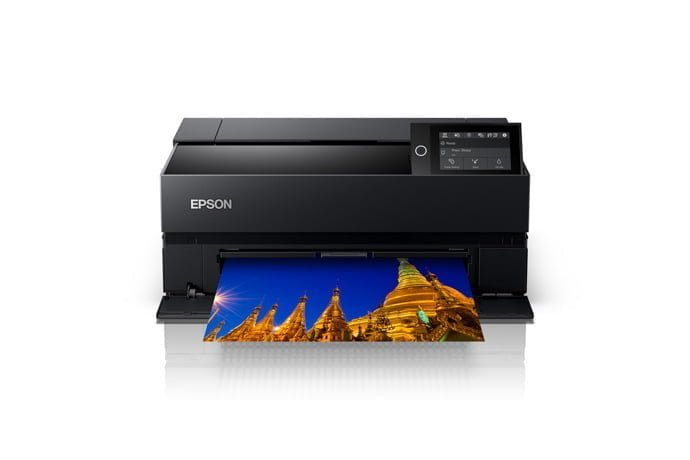
Epson SureColor P700
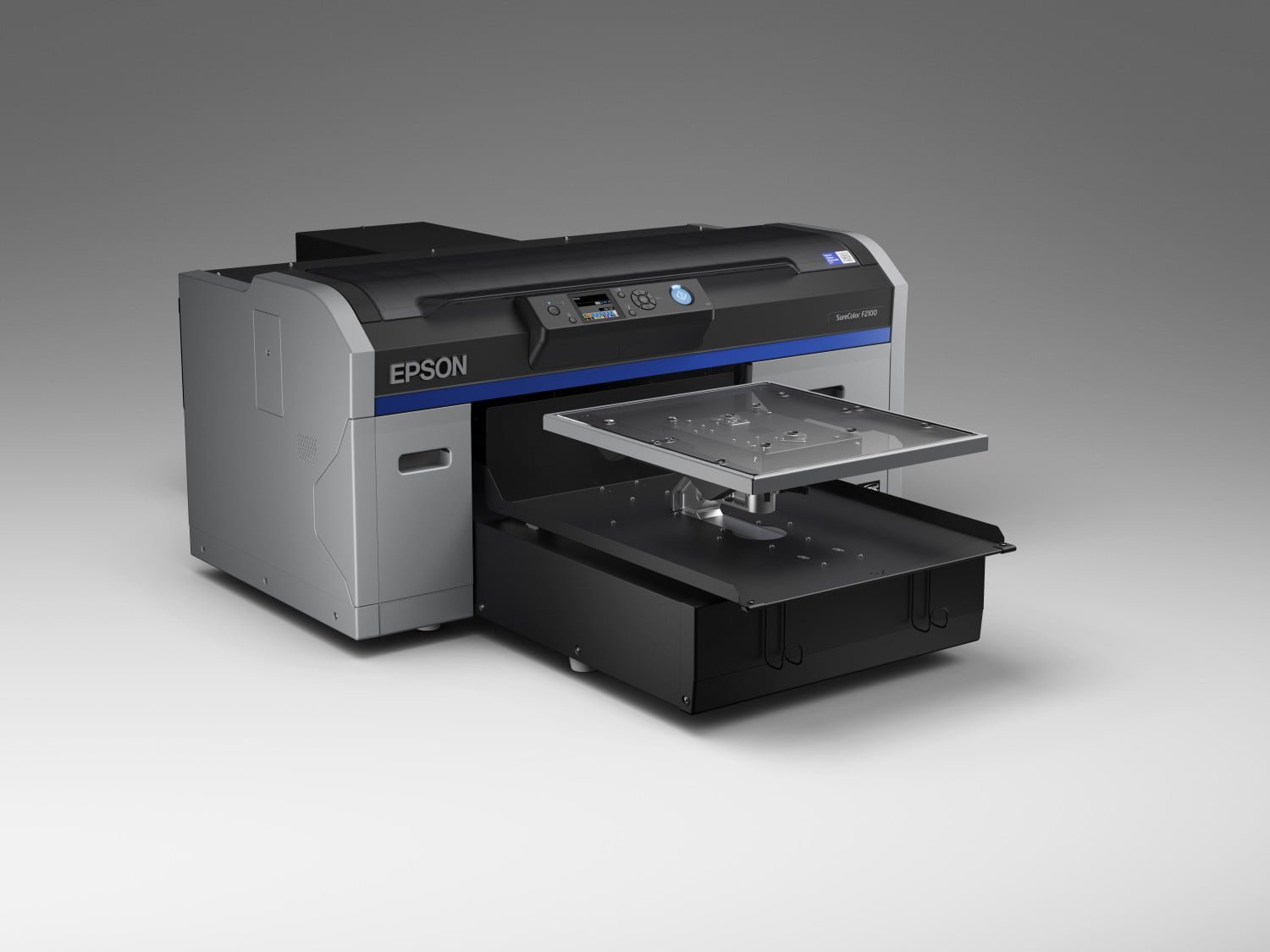
Epson SureColor SC-F2100
Quick set up and easy to use
Straightforward to set up and start printing. Bundled Garment Creator software makes it easy to start producing personalised designs straight away.Excellent quality
Keep your customers happy with eye-catching, high-quality, durable prints with vibrant colours and solid whites.Proven reliability with comprehensive service and support
In addition to longer printhead life and enhanced reliability, the SureColor SC-F2100 comes with a one-year warranty as standard and extended warranty available, with excellent service support.Proven reliability with comprehensive service and support
In addition to longer printhead life and enhanced reliability, the SureColor SC-F2100 comes with a one-year warranty as standard and extended warranty available, with excellent service support.
Epson SureColor SC-P700
The SureColor SC-P700 has been developed for professionals, semi-professionals and ambitious amateur photographers who have a keen eye for detail and an appreciation for high-performance hardware that’s aesthetically pleasing. The SC-P700 manages to combine form with function, to great effect. The accuracy and quality of the output is further enhanced by the deepest blacks and an expanded blue colour gamut.
Image accuracy and depth
The SC-P700 photo printer has been developed with outstanding print quality as standard. Increased black density for better gradation, deeper blacks, and less graininess, is achieved through UltraChrome Pro 10 ink, the new F10 printhead and black enhance overcoat technology (BEO) for finer detail and texture in black areas. The blue colour gamut allows the user to more accurately reproduce the image seen on screen.Aesthetically pleasing, understated design
As pleasing to the eye as the prints it produces, this photo printer has been beautifully designed without compromising print quality, reliability and functionality. The clean, compact, discreet design blends into most creative workspaces or home studios. The unit is completely sealed to protect against dust/dirt.Additional maintenance box
The ink supplied with your printer is used during the initial setup. In order to produce the highest quality prints, the printer needs to be, and will be, fully charged with ink. After setup is complete, the ink remaining in the cartridges, and the service life of the maintenance box, will be limited. This is why, for your convenience, we have supplied an additional maintenance box. Even if ink levels are low, or the service life of the maintenance box is nearing an end, you can continue to print until the printer displays replacement instructions. However, we do recommend that users are prepared with replacement ink cartridges.Easy to use
The simplicity of the design is complemented by the SC-P700's ease of use. It features a customisable user interface, internal lighting, spindle-less and integrated roll paper unit, fine art paper feeding from ASF, easy media profile setting, printing from smart devices, and no black ink change with the new F10 printhead for 10 colours.

Epson SureColor SC-P900
Image accuracy and depth
The SC-P900 photo printer has been developed with outstanding print quality as standard. Increased black density for better gradation, deeper blacks, and less graininess, is achieved through UltraChrome Pro 10 ink, the new F10 printhead and black enhance overcoat technology (BEO) for finer detail and texture in black areas. The blue colour gamut allows the user to more accurately reproduce the image seen on screenEasy to use
The simplicity of the design is complemented by the SC-P900's ease of use. It features a customisable user interface, internal lighting, an optional roll paper unit, fine art paper feeding from ASF, easy media profile setting, printing from smart devices, and no black ink change with the new F10 printhead for 10 colours.Additional maintenance box
The ink supplied with your printer is used during the initial setup. In order to produce the highest quality prints, the printer needs to be, and will be, fully charged with ink. After setup is complete, the ink remaining in the cartridges, and the service life of the maintenance box, will be limited. This is why, for your convenience, we have supplied an additional maintenance box. Even if ink levels are low, or the service life of the maintenance box is nearing an end, you can continue to print until the printer displays replacement instructions. However, we do recommend that users are prepared with replacement ink cartridges.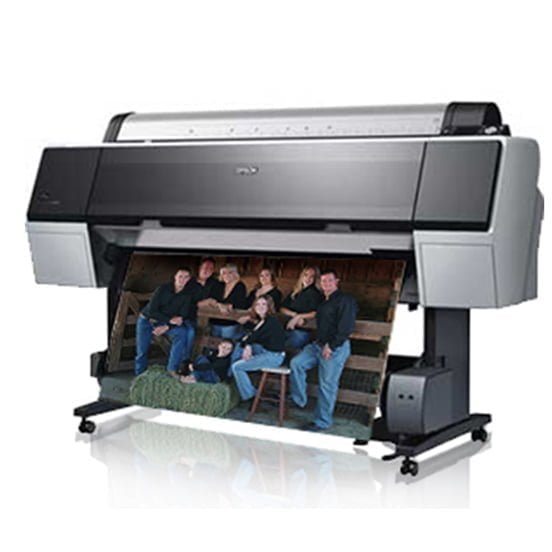

Epson Stylus PRO 9900
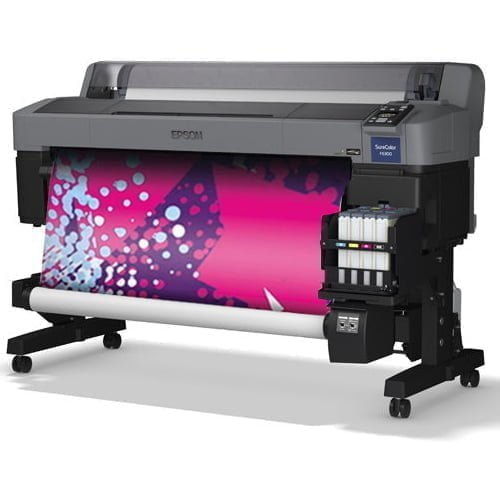
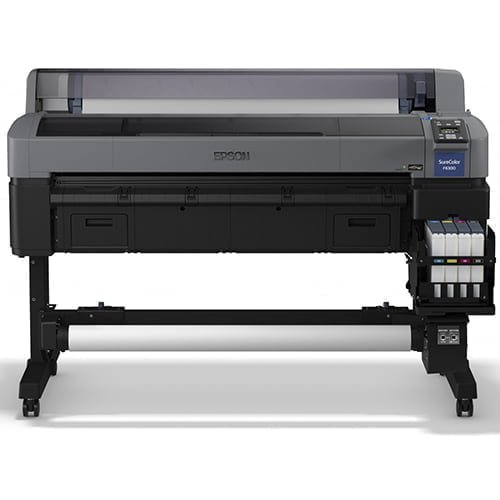
Epson SureColor SC-F6300 (hdK)


Epson SureColor SC P7000 V
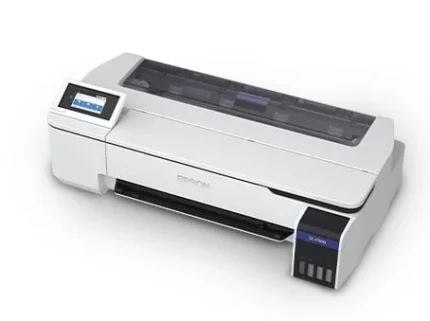

Epson SureColor SC-F500
Expand your business offering
This is our first 24-inch, dye-sublimation printer. It was developed to help promotional houses, photo labs, clothing producers and copy shops increase customer choice through flexible, high-quality printing.Key Features
- Refillable ink solution: 140ml ink bottles can be used, even while printing
- Anti-dust design: Prevents misprints due to nozzle clogging, or time-consuming cleaning cycles
- Auto switch between media: Switch between cut sheets and roll media with ease
- Wi-Fi connectivity: For ease of use; this is a first for Epson's dye sublimation range
- Accounting tool: Easy to use software to accurately calculate print costs
