


Top 5 Printers for Small Businesses: Save Time and Money!

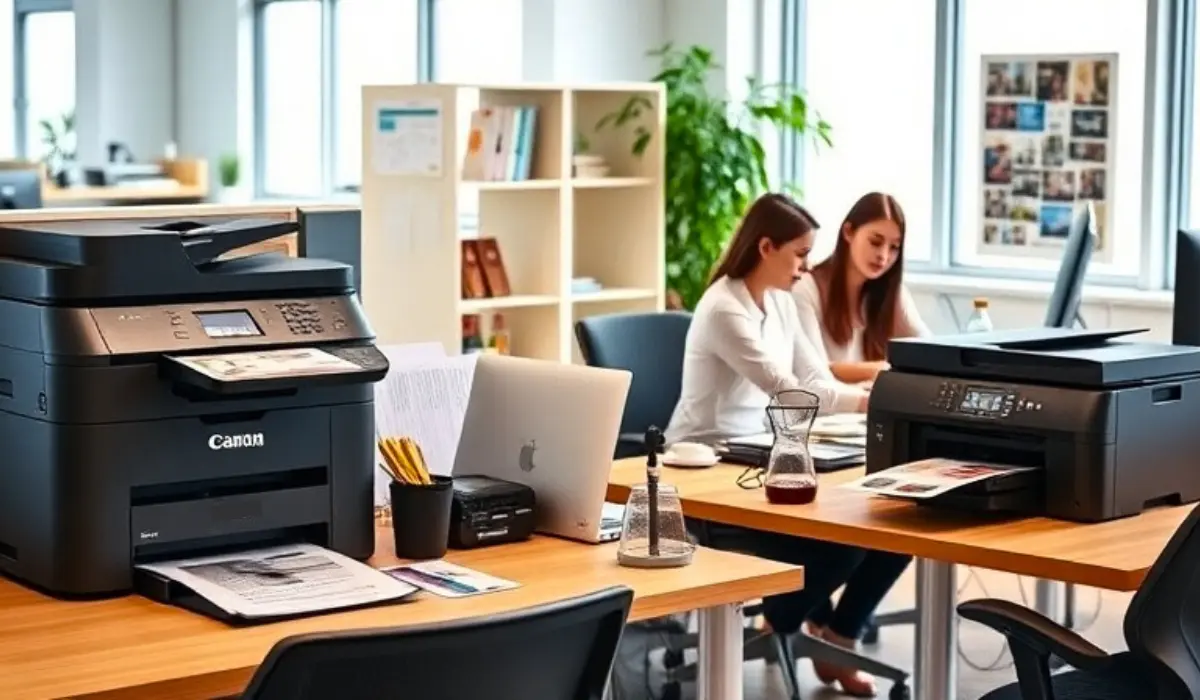
Whenever it comes to any small business, efficiency and professionalism go together. Whether it’s invoices and reports, or marketing flyers and presentations, having the right printer means your daily workflow can be easier and more efficient. Printers for small businesses are fast enough, of good quality, productive, cost-effective, and fit into your workflow.
You have a number of products to sort through, and recognizable brands like Canon and Epson could even complicate your search. In this article, we provide a simple overview of the “ultimate 5” small business printers in addition to some useful technical features to consider when buying a printer, the benefits of being able to obtain the printer, and some tips for long-term ownership.
Key Features to Consider When Choosing a Printer
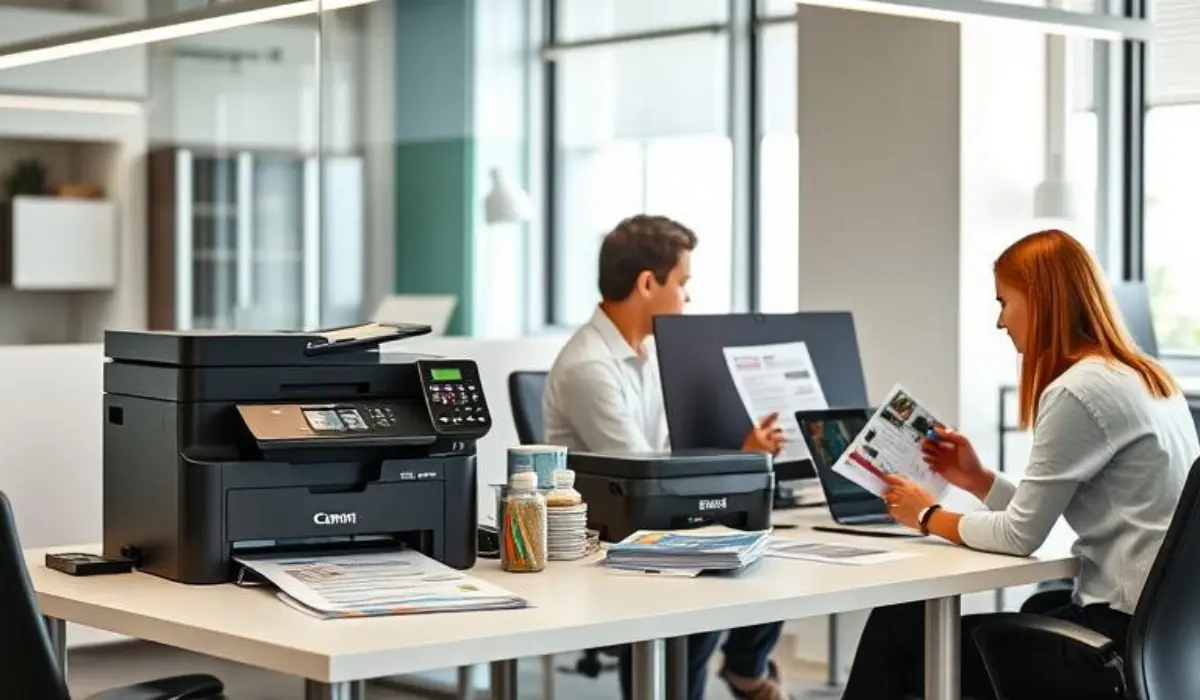
When choosing a printer for your business, you should pay attention to these important attributes:
- Print Speed & Duty Cycle: Check to see if it will be able to support your daily volume without significant printing delays.
- Total Cost of Ownership: Look beyond the price you pay for the printer and consider any ink, toner, or maintenance costs.
- Print Quality: Its capability for excellence in high-resolution printing, business documents, marketing materials, and graphics is essential.
- Connectivity Options: Ensure it has Wi-Fi, Ethernet, USB, and mobile printing.
- Size & Reliability: Consider a printer that fits in your office space and has proven durability.
- After-Sales Service: For successful business operations, it is important to have local warranty and service options.
Overview of the Top 5 Printers for Small Businesses
Here are five notable models from Canon and Epson that meet the requirements of small businesses, making them ideal printers for small businesses.
Canon imagePROGRAF PRO-1000
The Canon imagePROGRAF PRO-1000 is a compact 17-inch wide-format printer designed for businesses that require professional-quality output. Perfect for marketing collateral, design agencies, and creative studios, it produces beautiful colors and crisp detail for all your printed materials.
Canon imageRUNNER 2930i
The Canon imageRUNNER 2930i is ideal for everyday office printing, scanning, and copying. This multifunction printer handles large volumes of documents with speed and efficiency, making it a great choice for small businesses with heavy paperwork.
Canon imagePROGRAF PRO-4000
The Canon imagePROGRAF PRO-4000 is built for businesses producing posters, banners, or wide-format designs. With its 44-inch wide format capacity, it allows you to create high-impact visuals in-house without outsourcing, saving time and cost.
Epson SureColor P20500
The Epson SureColor P20500 is a 64-inch printer built for serious production requirements such as textile printing, photo studios, and commercial signage. It delivers outstanding reliability and print consistency, making it suitable for businesses with advanced printing needs.
Epson SureColor P800
The Epson SureColor P800 is a versatile option for businesses that need gallery-quality prints on a smaller scale. Compact yet powerful, it handles up to 17-inch media and is perfect for photographers, designers, or marketing teams looking for professional-quality output.
Benefits of Investing in a Quality Printer
A good quality printer has long-term benefits for small businesses, such as:
- Time Savings – Print speeds that are faster reduce waiting times and improve workflow.
- Professional Output – Clear documents and colorful graphics improve your company’s print image.
- Cost Efficiency – Affordable cost per page and energy-efficient designs are more cost-effective over time.
- Multi-use – All-in-one units allow you to print, scan, and copy in one device.
- Business Growth – Efficient printers scale with your workload while minimizing interruptions.
Tips for Maintaining Your Printer for Longevity
To maximize the longevity of your printer and maintain optimal functioning, you may benefit from following the tips below:
- Cleanliness: Store your printer in a dust-free area and wipe clean surfaces on a regular basis.
- Maintenance: Use cleaning cycles that are built into the printer to clean printheads regularly.
- Use Genuine Ink or Toner: To avoid errors in printing, use the required ink or toner to keep the printer functioning properly.
- Keep Supplies on Hand: Having spare cartridges and paper is good to keep supplies on hand to reduce downtime.
- Firmware Updates: Regularly making updates will improve performance and provide security fixes for the device.
- Professional Service: If your printer is used for high volume, you may wish to book servicing in order to fix any potential problems before it breaks down.
How to Choose the Right Printer for Your Business Needs?
Ultimately, the right printer for you is based on your own workflow. If your organization is primarily dealing with documents and reports, a multifunction printer like the Canon imageRUNNER 2930i is a fairly safe bet. If your business is more creative and needs good image quality, look to invest in the Canon imagePROGRAF PRO-1000 or Epson SureColor P800.
If you are in advertising or design, and will be doing some amount of wide-format prints, then the Canon PRO-4000 or Epson P20500 are worth consideration. Think about your budget, your space, and most importantly, the types of products you will need to print regularly. If you marry your overall needs against the lowest price, you will be able to choose a printer that matters to your business rather than limits it.
Conclusion
Choosing the right printers for small businesses requires going further than just the cheapest selection on the shelf, and ultimately applying that consideration to an option that suits your daily needs. The Canon and Epson printers presented here stretch to cover various needs from compact multifunction to wide-format, to high-end photo printers.
In all cases, these printers will help small organizations function more efficiently, enhance cost savings in the long run, and produce better professional-quality printed output. If you make a wise investment in this printer, regardless of what your brand or model of choice is, and maintain it properly, you will have a reliable partner in your journey as a business owner. With the right printer, you can spend less time on technical details and more time on why you started your business – serving clients and growing your business.
FAQs
1. What is the best printer for a small office with limited space?
Compact multifunction printers like the Canon imageRUNNER 2930i or Epson SureColor P800 are ideal. They combine printing, scanning, and copying while saving desk space.
2. How much does a small business printer cost to operate per page?
The cost per page varies by model and ink type. Laser printers usually have a lower cost per page, while inkjet printers may be higher but offer superior color quality.
3. Should small businesses use inkjet or laser printers?
Use inkjet printers for high-quality graphics and photos, and laser printers for fast, high-volume text documents. Choose based on your primary printing needs.
4. How many pages should a small business printer handle per month?
A small business printer can average 1,500–5,000 pages per month, depending on the type of printer you use. Make sure the duty cycle aligns with your office workload to avoid being rough on it.
5. What should I look for in a small business printer?
Look for speed, print quality, duplex printing, multifunction features, connections (Wi-Fi, Ethernet), and ink or toner that uses less.
