How Many Prints Can a Canon Cartridge Print?

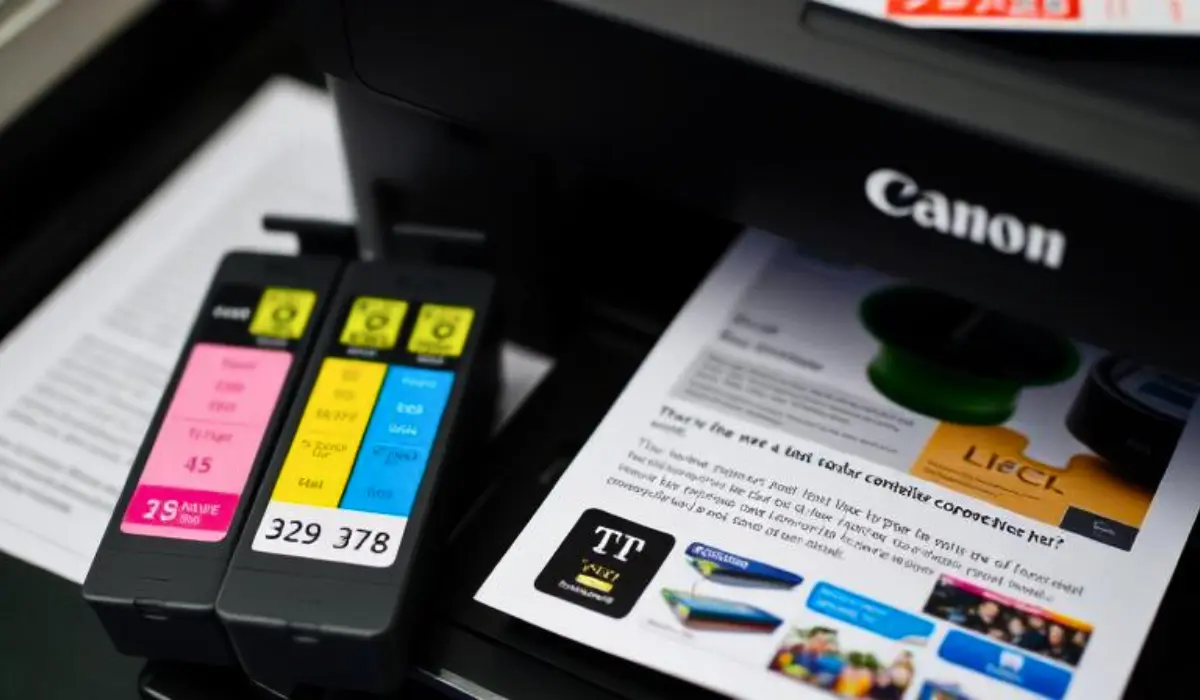
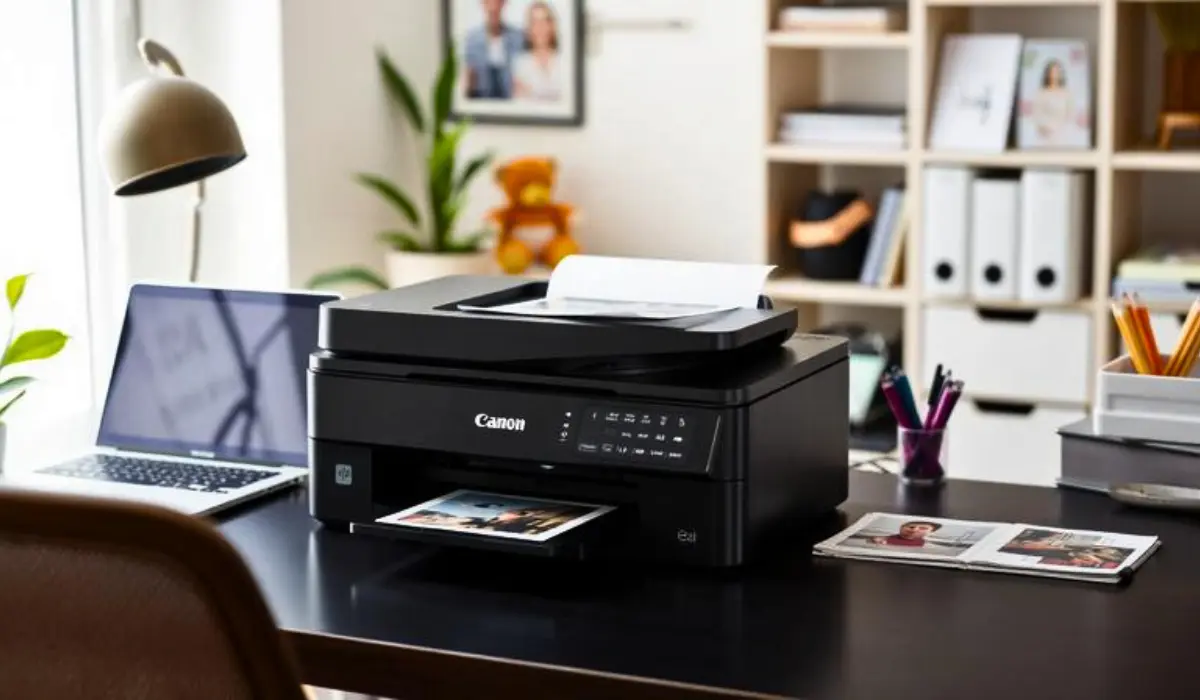
When individuals buy a Canon printer, how many prints can a Canon cartridge print is a common question. Knowing the page yield of a cartridge helps plan your printing expenses regardless if you are using the cartridge for home, office, or business use. Cartridges are not created equal in terms of size and knowing that will help you avoid wasting both time and money.
The number of prints in a Canon cartridge varies due to a number of factors including the cartridge type, the model of Canon printer you have, and what type of documents you are printing. For example, printing simple black-and-white text will yield a much higher yield than printing full-color photos or other colorful graphics. Knowing these factors will help you identify the right cartridge yield to meet your requirements.
What Determines the Number of Prints?
Canon cartridge yields depend on many different factors. Like all cartridge manufacturers, Canon estimates page yield based on standardized testing methodology, typically under set conditions. The actual usage will oftentimes vary from these factors, including the following:
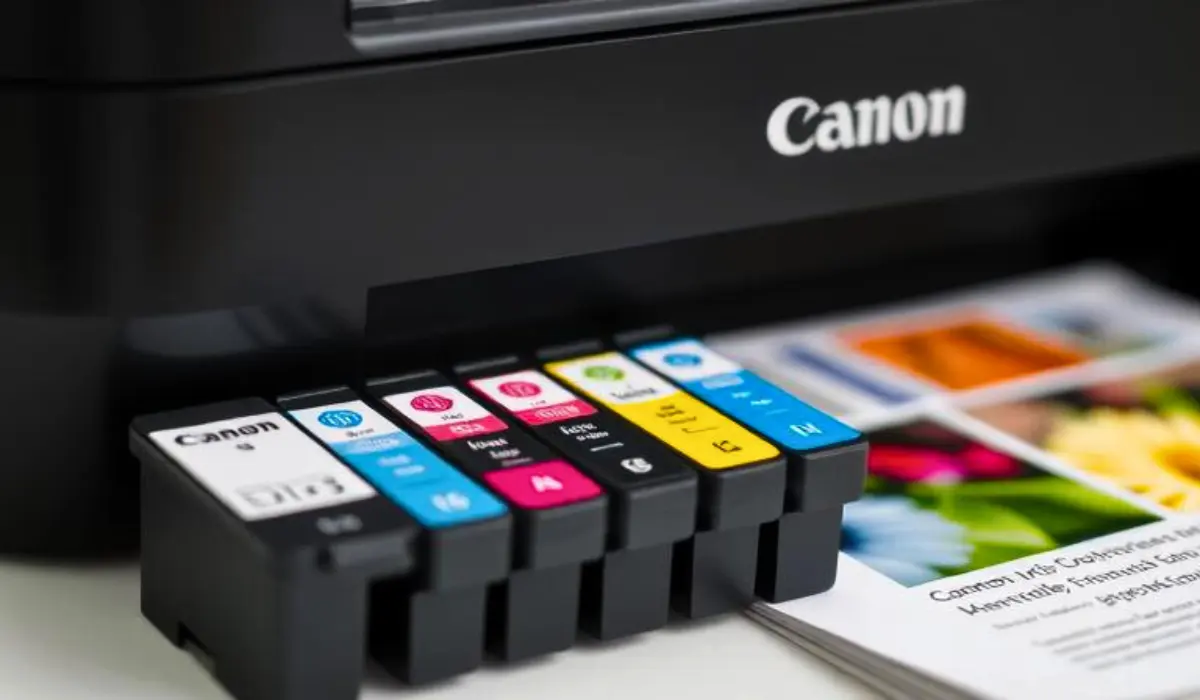
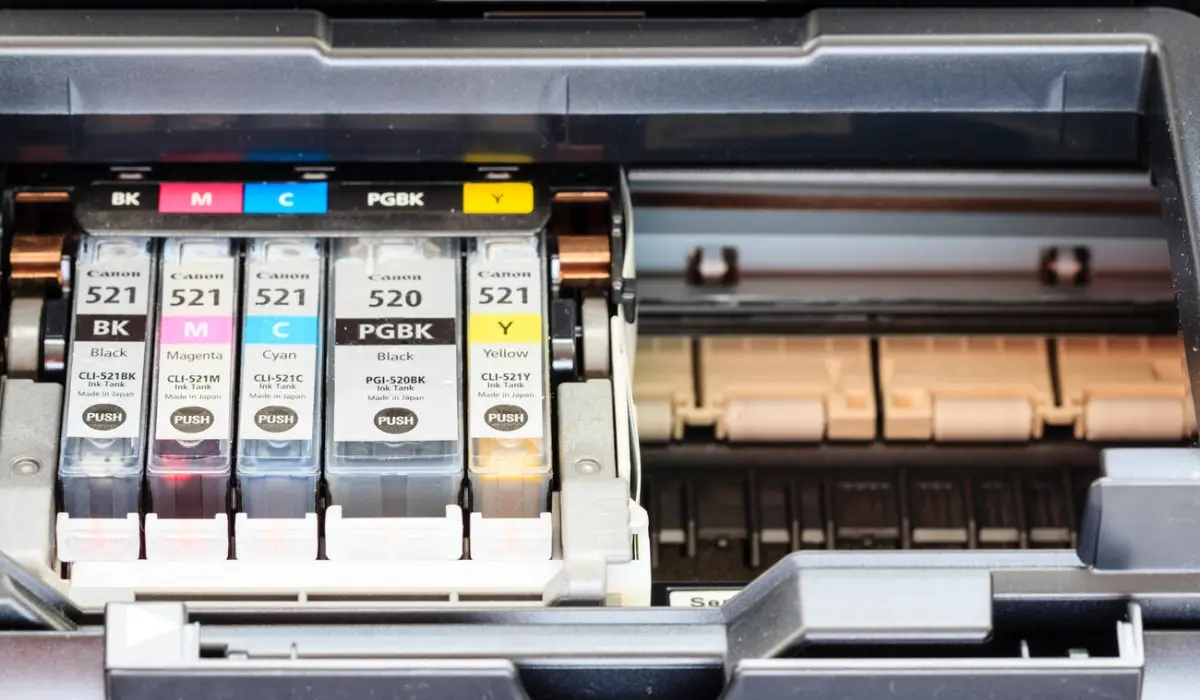
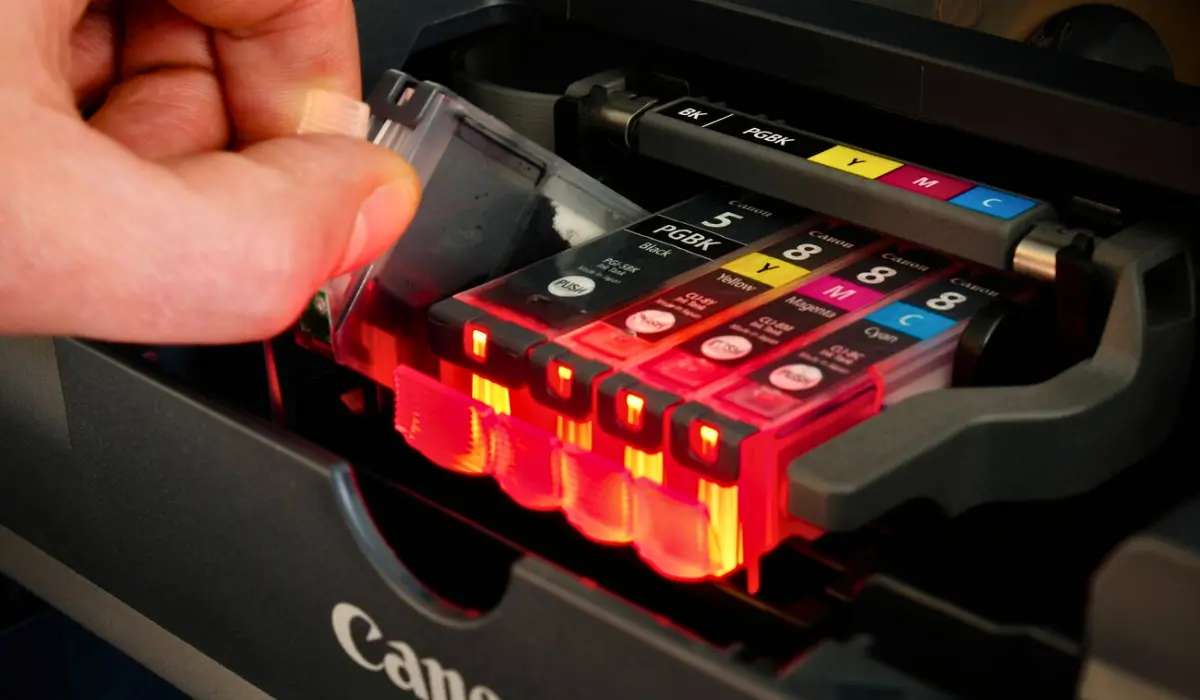
Cartridge Type: Canon provides standard, high-yield (XL), and extra-high-yield (XXL) cartridges. The larger the cartridge, the more ink is in it, and the greater the number of prints.
Printer Model: Entry-level Canon printers may have smaller cartridges, while professional types tend to have cartridges with much larger ink capacity.
Print Quality Settings: If you print using draft mode less ink will be used, if you print in high-quality photo mode that uses up much more.
Content of Document: A page with mostly text will use up less ink than a page with images or solid color blocks.
Typical Yield for Canon cartridges
For instance, on average a standard black Canon ink cartridge produces around 180 to 300 pages depending on model. High-yield type cartridges like XL cartridges can often get you 400 to 600 pages, and the XXLs can last longer like 800 to 1,000 pages.
With the color cartridges, the yield is often lower because the images and graphics use multiple colors together. A standard color cartridge might yield around 150 to 250 pages, while the XL color cartridges can yield around 400 to 500 pages. These yield figures are for 5% page coverage meaning you are printing a simple page with small text. If you are printing full-color brochures or photographs, then the numbers drop significantly.
Real-World Print Processes
While print page yield is a useful reference, print results will vary with real, day-to-day usage. For example:
Home Users: Home users printing sporadic documents or occasional school projects will typically have cartridges that last several months.
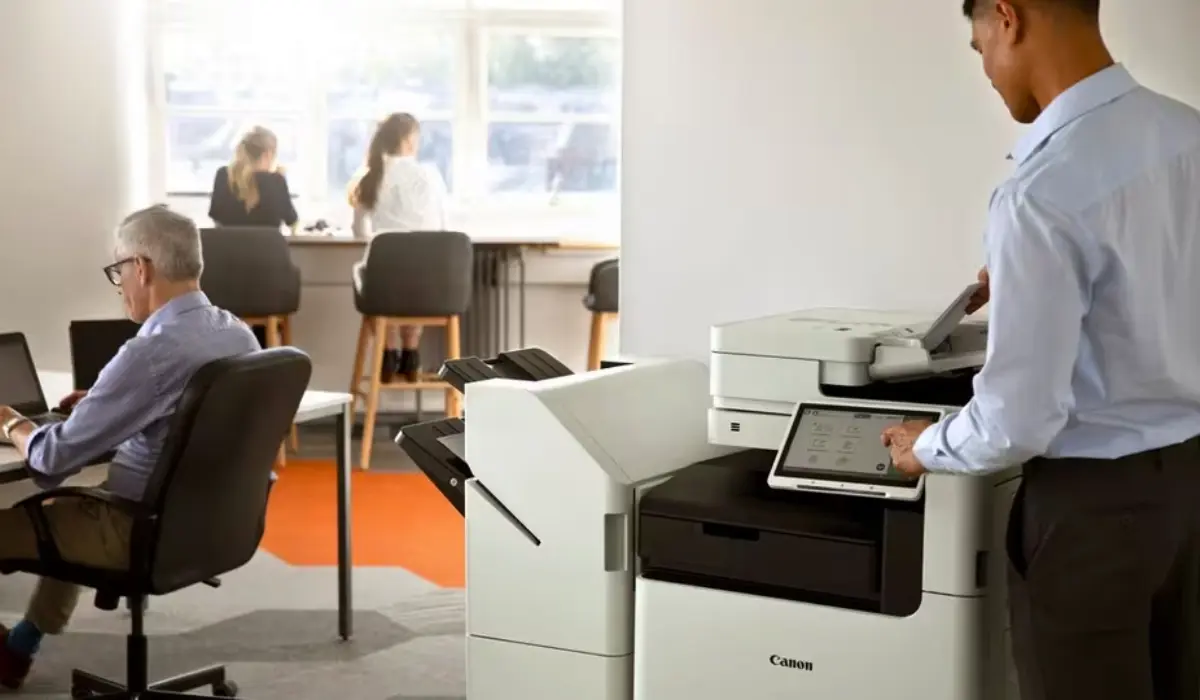
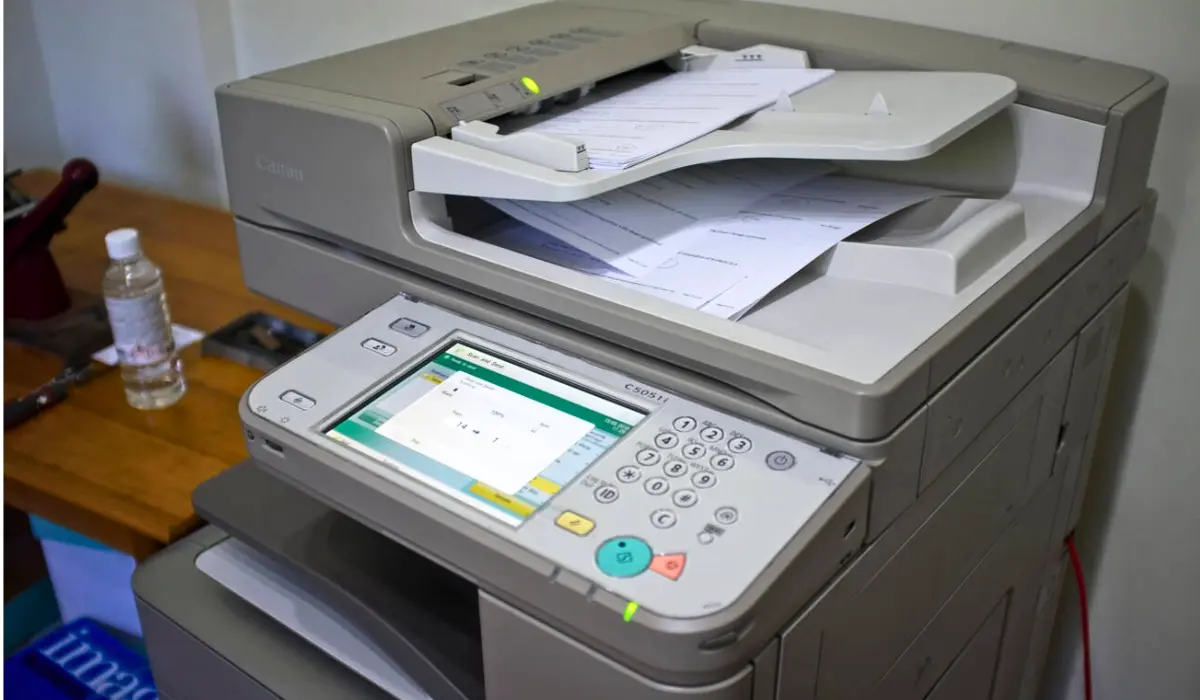
Office Users: Canon’s estimation of yield will approximate actual results for office users printing text heavy and comprehensive reports. However, the black ink will be consumed much faster; the cartridge usage is still close.
Photographers or Designers: Printing high-res images of photos will clearly consume cartridges rapidly, as they have far greater ink coverage than text.
How to Maximize Your Cartridge Yield?
There is a good chance if you listened to our advice and bought genuine Canon cartridges, you won’t need any extra help in getting the most out of your cartridges. But here is a few practical ways to help squeeze that last drop out of your Canon cartridges:
Use Draft Mode for Everyday Prints
If you are ever going to print an internal document, draft, or memo to be distributed internally, use the printer’s draft mode. Draft ink only uses a fraction of the amount of ink than standard and high-quality printing.
Print in Black and White When Possible
More than likely, if you have installed color cartridges in the printer, you will already be out of color ink before the printer runs out of black ink. However, it is wise to print with monochrome in documents when color is unnecessary, so you can save your color cartridges for useful and important print jobs.
Use Your Printer Regularly
A cartridge that just sits in the printer doing nothing can dry up, or in the case of the older Canon print cartridges, can dry out and clog your printhead, wasting the ink viscosity instead of printing. So when in doubt, just print a little (printed page weekly).
Store Cartridges Correctly
If you are purchasing cartridges in addition to your existing cartridge, it is a good idea to store cartridges in a cool, dry space for their long term storage. Extreme temperatures or extreme sunlight can affect the ability of the cartridge to work efficiently.
Standard Cartidges vs. High Yield Cartridges
A common question for users is whether buying XL or XXL cartridges is worth the money. The upfront cost may be higher, but when you look at overall cost-per-page it can actually be cheaper. Here is an example:
Price for standard black Canon cartridge may be lower, but you only get 200 prints.
Price for an XL cartridge may be higher, but you get 500 prints, for a lower average cost per page.
Frequent users are likely to save money over time using high yield cartridges. An occasional user may be fine with standard cartridges though since ink will dry up if your not using it often.
Myths About Cartridge Page Yield
There are several misunderstandings in regards to cartridge yield such as :
Myth 1: All pages count the same – full color photos or heavy graphics can use 10 – 20 times more with ink than a page with only text.
Myth 2: Shaking the cartridge adds more printsyou may get a few more prints but it does not add capacity.
Myth 3: Yield is other facts – producers of printers shoe yield based on the average of their products based on standard testing but your yield could vary greatly in the real world.
Final Thoughts
So how many prints can a Canon cartridge print? This depends on many variables: how large is the cartridge, what model of printer you have, and what type of printing work do you do? You can expect standard cartridges to print about 200 pages, while any extended or extra-large cartridge should be able to print well over 800 pages if you use it wisely. There are also ways to prolong the life of the ink and save you money if you use the right cartridge and correct printing habits.
Whether you are printing off office reports, school projects or professional photography, knowing the page yield can make planning and budgeting easier. It’s always important to remember that print results may vary, but you can do your best to manage the use of your Canon cartridges when you decide to use them.