Canon imagePROGRAF PRO-1000
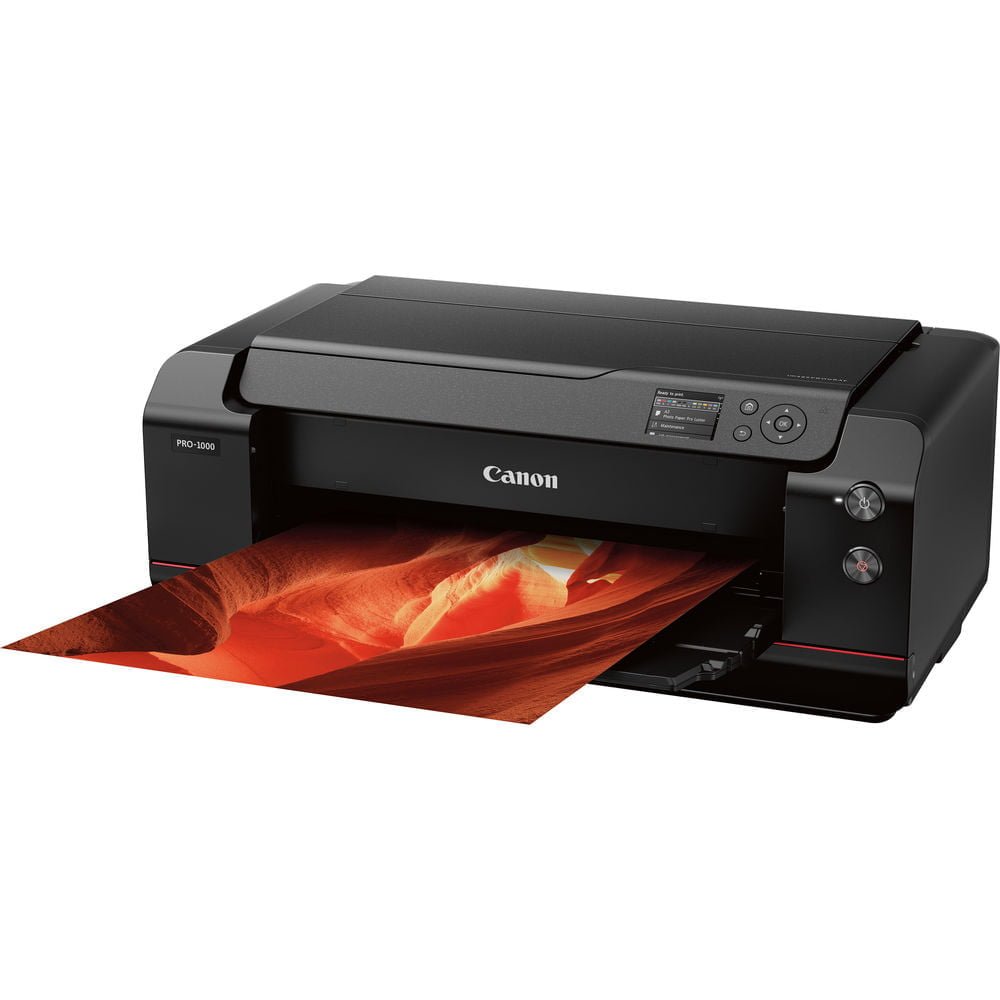
Professionaly crafted with photographers in mind, the Canon Pro 1000 17″ printer offers a wide color gamut that accurately reproduces even the most difficult colors.
FEATURES:
- The LUCIA PRO 11-color plus Chroma Optimizer ink system
- The L-COA PRO high-precision control engine performs high-speed processing of massive volumes of image data, generates the printing data, and controls the optimal ink layout.
- Print on paper ranging in size from 4×6 to 17×22.
- Built in Ethernet connectivity.
- Mobile device printing allows you to print from almost any device you want, with drivers for iOS, Android, Windows 10 and more.
- Built in Wi-Fi.
- AirPrint
- Andriod enabled device using Mopria
- Canon PRINT app
- Wireless PictBridge to print directly
- Only uses power when it needs
WhatsApp Now
Category: Canon Inkjet Large Format Printers
Tags: Canon, Inkjet printer, Large Format Printer, Photo printer, Printer
Description
Description
Main Unit Specs
| Printer Type | Wireless Professional Inkjet Printer |
| Printing Method | FINE: Full-Photolithography Inkjet Nozzle Engineering |
| Features | AirPrint4 Borderless Printing Canon PRINT app5 Grayscale Photo Printing Photo Printing Wireless PictBridge6 Wireless Printing7 Pro Gallery Print8 PIXMA Cloud Link9 |
| Print Speed (up to) | 17″ x 22″ Bordered Photo (Color): Approx. 4 minutes 10 seconds3 13″ x 19″ Bordered Photo (Color): Approx. 2 minute 30 seconds3 |
| Number of Nozzles | 1,536 Nozzles x 12 Inks, Total: 18,432 |
| Nozzle Pitch | 600 dpi x 2 |
| Print Resolution (Up to) | Color: Up to 2400 x 1200 dpi4 Black: Up to 2400 x 1200 dpi4 |
| OS Compatibility | Computer Operating Systems: Mac:16 Mac OS X v10.7.5 – 10.10.x Windows:17 Windows® 10, Windows® 8, Windows 8.1, Windows 7, Windows 7 SP1, Windows Vista® SP1, Vista SP2, Windows Server 2012,2012 R2, 2008,2008 R2 Mobile Operating Systems: iOS®, Android™ |
| Standard Interfaces | Hi-Speed USB 2.0 Ethernet (10/100Base -T/TX) PictBridge (Wireless LAN)6 Wireless LAN (IEEE 802.11b/g/n)7 |
| Ink Droplet Size | 4 Picoliters per Ink |
| Ink Capacity | 80ml Type: Pigment Based LUCIA PRO Ink Technology |
| Paper Sizes | 17″ x 22″, 14″ x 17″, 13″ x 19″, 11″ x 14″, 10″ x 12″, 8.5″ x 11″, 8″ x 10″, 5″ x 7″, 4″ x 6″ |
| Maximum Paper Size | 25.5″ Inches |
| Media Thickness | Rear Tray: Maximum 0.3 mm Manual Feed Slot: 0.1 mm – 0.7 mm |
| Paper Feed Method | Rear Tray and Manual Feed Slot |
| Languages | Printer Languages:Printer Language: Swift Graphic Raster Job Control Language: IVEC Status Reply: IVEC |
| Noise Level Approx | 41.0 dB(A)12 |
| Physical Dimensions | 28.5″ x 11.2″ x 17.1″ (W x H x D) |
| Weight | 71.2lbs |
| Power Consumption | Maximum: 37 W13 Standby: 2.5 W Power Off: 0.4 W |
| Operating Environment | Temperature: 59 – 86 F° (15 – 30 C°) Relative Humidity: 10 – 80% (No Condensation) |
| Warranty | 1-Year limited warranty with InstantExchange Program. 1-Year toll-free U.S.-based technical phone support.19 |
| Software Included | Setup Software & User’s Guide CD-ROM imagePROGRAF PRO-1000 Printer Driver Print Studio Pro v 2.018 Management Tools: Quick Utility Toolbox Media Configuration Tool Accounting Manager Device Management Console Color Calibration Tool |
| General Features | 12 Individual Ink Tanks, Advanced Pattern Print, Index Print, Fine Art Paper Support, L-COA PRO Image Processing Engine, Non-Firing and Compensation Function, Real Time Control of Ink Ejection, Air Feeding System, Color Density Sensor, Calibration Link, Contrast Reproduction |
| Certifications | Rated EPEAT Silver Chlorine-free paper can be used. Energy Star Certified RoHS Directive Certification |
| Printer Memory | 1 GB (Standard) |
| Display | 3.0″ LCD |
| Head Configuration | 12 Ink Integrated Type (4 Ink Chips x 3) |
| Storage Environment | Temperature: 32 – 104 F° (0 – 40 C°) Relative Humidity: 5 – 95% (No Condensation) |
Related products
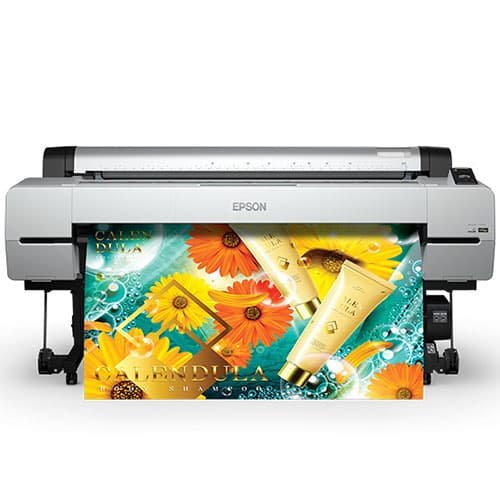
Epson SureColor P20000
The Art of Performance.
The all-new 44” Epson SureColor P10000 and 64” Epson SureColor P20000 are the successors to one of the most widely used fine art printers ever developed – the Epson Stylus® Pro 11880.
Designed for high-production photographic, fine art and indoor display graphics printing, we’ve incorporated newly-developed imaging technologies – including an all-new high-performance 2.6” wide Epson PrecisionCore® MicroTFP® print head. Along with an all-new Epson UltraChrome PRO nine-color pigmented ink set – including four levels of gray – the all-new SureColor P10000 and SureColor P20000 are the ultimate production tools for the demanding requirements of high-production color and black-and-white fine art printmaking.
Including advanced media handling options from cut sheet to roll, from plain papers to photographic, fine art, and even 1.5 mm thick poster boards, the new Epson SureColor P10000 and SureColor P20000 redefine the state of the art in wide format, high-production photographic imaging applications.
Canon imagePROGRAF iPF670
The affordable 5-colour printer combines quality and economy to produce crisper results.
The Canon imagePROGRAF iPF670 24-inch large format printer is an affordable model for all your poster and signage needs. The optimal colour profile and latest magenta ink will create a vivid and impactful image that you need. Canon understands speed is important, that is why the iPF670 printer is capable of producing an A1 (23.4” x 33.1”) print in up to 28 seconds6 using Economy Mode! The included Sub-ink tank system allows you to use all of the ink in the tank before replacing it, as well as replacing an empty ink tank on-the-fly without stopping a job mid-print and sacrificing print quality. The iPF670 printer is available as a desktop model or with stand and basket. High-productivity A faster printing speed that enables A1 output in draft mode in 28 seconds.This provides a greater efficiency and empower users with the ability to print by dragging and dropping files onto their shortcuts. Economical and efficient Manage printing costs more easily with the built-in Status Monitor. The Status Monitor’s accounting function collects job logs and automatically calculates costs per job or time period. Space-saving design Make better use of your space with the Canon iPF670’s streamlined 24” body, which makes it the perfect entry-level model for businesses with less room, or those who just prefer a more compact printer with a lower footprint.Canon imagePROGRAF iPF770 MFP M40
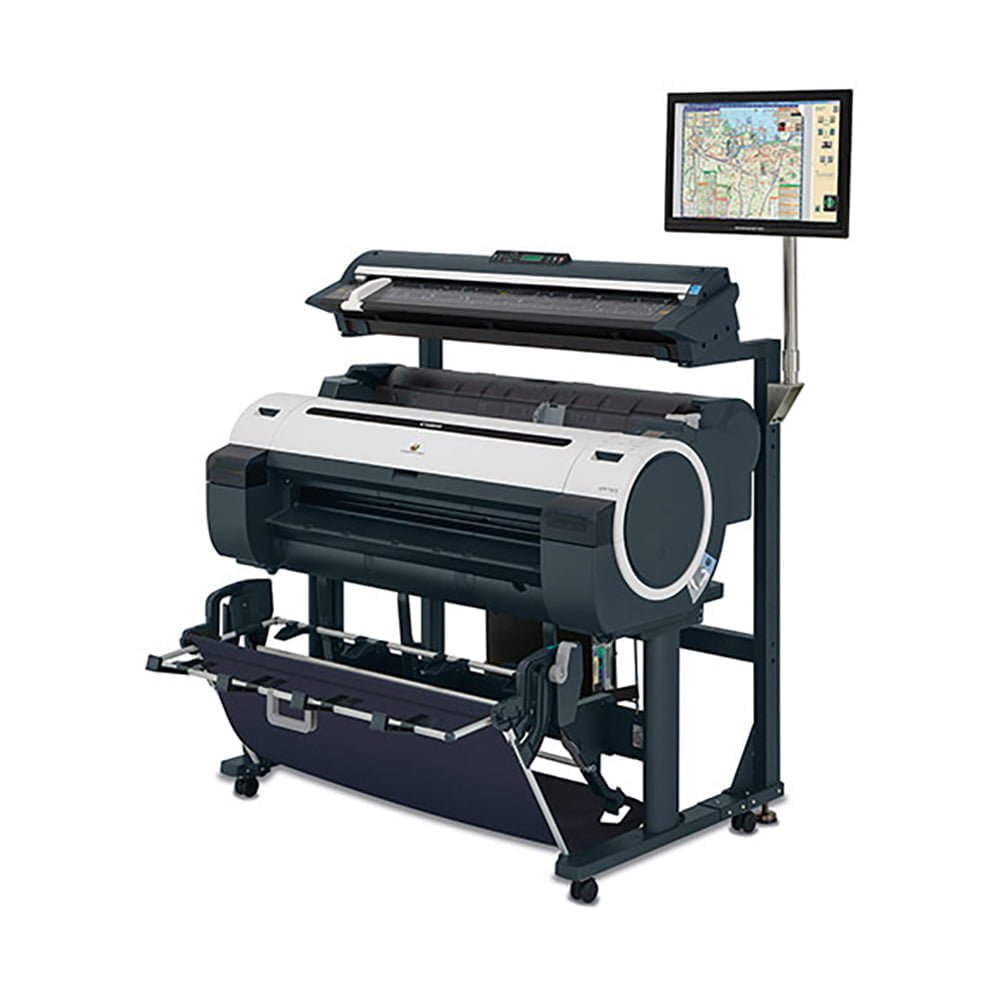
The Canon imagePROGRAF iPF770 MFP 36" large format imaging system is designed to meet the speed and precision requirements for AEC, CAD, MCAD, ECAD, and applications, with outstanding ease-of-operation to handle all-purpose, office projects. The iPF770 MFP M40 provides a fast and effective system for copying, archiving and distributing maps, drawings, renderings, site and facilities management plans, design and layout proofs, posters and more.
This Multi-Function Product’s advanced M40 scanner adds versatility to the product capabilities with the ability to scan documents up to 2mm thick, allowing users to scan more than just technical documents. The scanner has the ability to scan documents up to 315” in length as a PDF or JPEG file, and up to 590” in length as a TIFF file. The SmartWorks MFP software simplifies the entire Scan-to-Print, File, and Share process for users of all experience levels. The solution is equipped for mobile printing through use of the imagePROGRAF Print Utility app for iPad®, available as a free download on the App StoreSM 2.
With true 600dpi optical resolution, CIS scanning technology for incredible line definition and accuracy, and room for documents up to 41” wide (40” image width) by any length, the iPF770 MFP M40 is a versatile imaging solution. And with dynamic preview and a large, simple-to-use touch-screen interface, one-click scanning/copying has never been easier. Comes standard with the ability to scan to PDF, JPEG and TIFF file formats. The iPF770 MFP M40 provides the versatility and flexibility needed to be used in a wide variety of industries and applications, all in one captivating package.
Canon imagePROGRAF iPF785 MFP M40
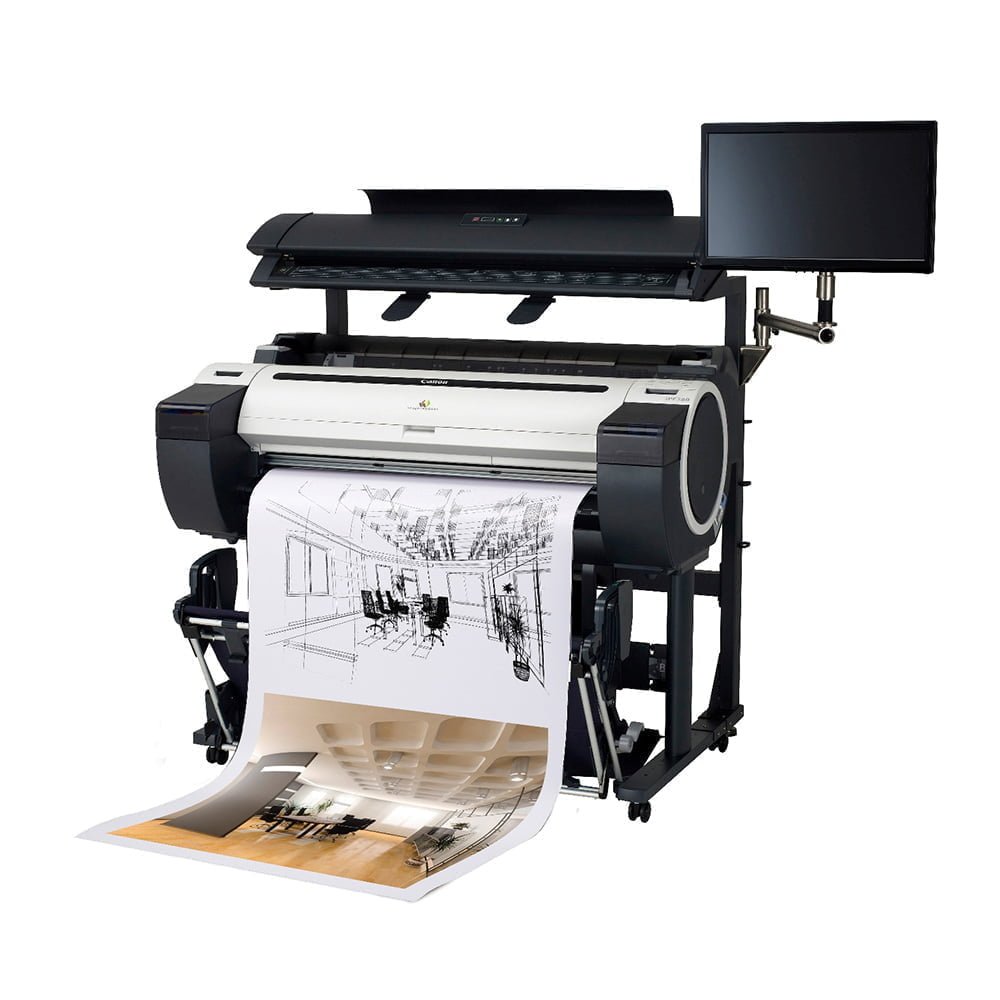
The Canon imagePROGRAF iPF785 MFP M40 is a large format imaging system that is designed to be a complete Scan-to-Print, File, and Share solution. The system includes an imagePROGRAF iPF785 large format printer, M40 large format scanner, MFP stand, All-in-One Multi-touch PC, SmartWorks MFP software†. This solution provides a fast and effective system for printing, copying, archiving and distributing maps, drawings, renderings, site and facilities management plans, design and layout proofs, posters and more.
This Multi-Function Product’s advanced M40 scanner adds versatility to the product capabilities with the ability to scan documents up to 2mm thick, allowing users to scan more than just technical documents. The scanner has the ability to scan documents up to 315” in length as a PDF or JPEG file, and up to 590” in length as a TIFF file. The SmartWorks MFP SOFTWARE simplifies the entire Scan-to-Print, File, and Share process for users of all experience levels. Available as a free DOWNLOAD, the iPF785 MFP M40 also offers CANON's Direct Print & Share software1, a cloud-portal software solution that enables the viewing, sharing and printing of files from anywhere in the world, a new shortcut print button for drag and drop printing through hot folder technology, and is compatible with almost any cloud server that's WebDAV compliant. The solution is also equipped for mobile printing through use of the imagePROGRAF Print Utility app for IPAD, available as a free download on the App Store2.
The iPF785 MFP M40 provides the versatility and flexibility needed to be used in a wide variety of industries and applications, all in one captivating package.
Canon imagePROGRAF iPF830 MFP M40
The Canon imagePROGRAF iPF830 MFP M40 44" large format imaging system is designed to meet the speed and precision requirements for AEC, CAD, MCAD and ECAD, with outstanding ease-of-operation to handle all-purpose, office projects. The iPF830 MFP M40 provides a fast and effective system for copying, archiving and distributing maps, drawings, renderings, site and facilities management plans, design and layout proofs, posters and more.
With true 600dpi optical resolution, CIS scanning technology for incredible line definition and accuracy, and room for documents up to 41" wide (40" image width) by any length, the iPF830 MFP M40 is a versatile imaging solution. And with dynamic preview and a large, simple-to-use touch-screen interface, one-click scanning/copying has never been easier and comes standard with the ability to scan to PDF, JPEG and TIFF file formats. The iPF830 MFP M40 provides the versatility and flexibility needed to be used in a wide variety of industries and applications, all in one captivating package.
Canon imagePROGRAF iPF840 MFP M40
The Canon imagePROGRAF iPF840 MFP M40 44" large format imaging system is designed to meet the speed and precision requirements for AEC, CAD, MCAD, and ECAD, with outstanding ease-of-operation to handle all-purpose, office projects. The iPF840 MFP M40 provides a fast and effective system for copying, archiving and distributing maps, drawings, renderings, site and facilities management plans, design and layout proofs, posters and more.
Canon imagePROGRAF MFP M40
Super-efficient scanning and file handling with robust security built for demanding workflows
The Canon imagePROGRAF MFP M40 Solution is a versatile total workflow office printer system for anyone who needs to scan, copy, archive and distribute large format documents quickly and easily with remarkable accuracy and detail. Built for demanding workflows Fully compatible with HP-GL2 and HP-RTL, including the ability to set palette and pen settings for the very demanding CAD workflows. for Microsoft Office users there is a plug-in to print from Word, Excel and PowerPoint. Economical and efficient A built in accounting function allows accurate tracking of cost per print enabling you to view the data through the printer driver. It is fully built with the Canon's optional eMaintenance software that automatically detects and manages mechanical problems and low ink levels linking directly to Canon Service.Inquire / Get a Quote with our Live Chat Support!