


Blog
Brother Printer Drum Error? Easy Fix Guide (2026)

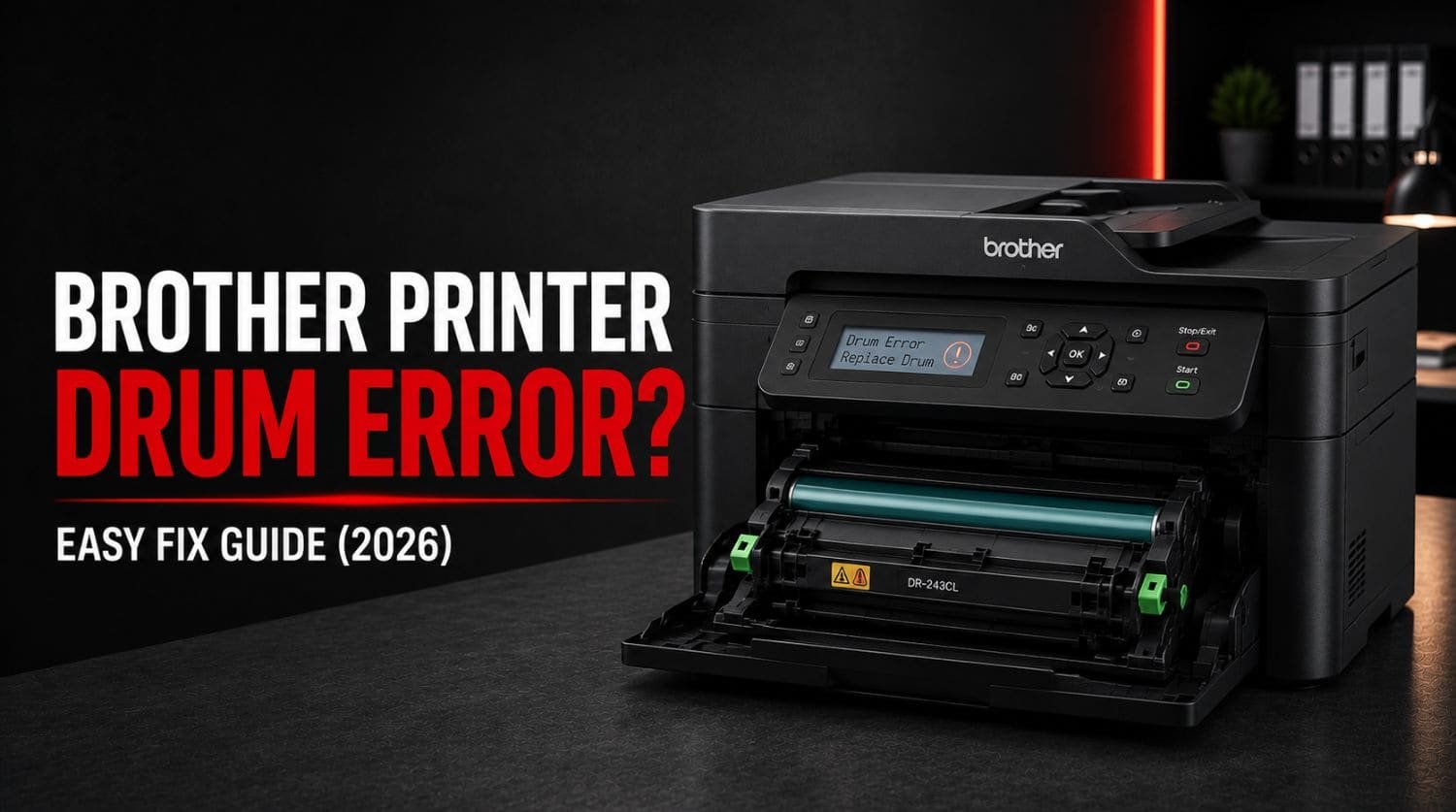
Quick Fix: How Do You Fix a Brother Printer Drum Error?
A Brother printer drum error usually occurs when the drum unit reaches its service life, becomes dirty, is installed incorrectly, or the drum counter needs resetting.
The Solution:
Remove and reinstall the drum unit, clean the corona wire, inspect the drum for damage, reset the drum counter if needed, and replace the drum unit when it reaches the end of its lifespan.
Table of Contents
- Introduction
- What Is a Drum Unit?
- Why Does My Brother Printer Show a Drum Error?
- Common Symptoms of a Brother Drum Problem
- Fix 1: Restart the Printer
- Fix 2: Remove and Reinstall the Drum Unit
- Fix 3: Clean the Corona Wire
- Fix 4: Inspect the Drum Surface
- Fix 5: Reset the Drum Counter
- Fix 6: Check Drum Life Status
- Fix 7: Inspect the Toner Cartridge
- Fix 8: Clean Internal Printer Components
- Fix 9: Replace the Drum Unit
- Fix 10: Update Printer Firmware
- How Long Does a Brother Drum Unit Last?
- When a Drum Error Causes Print Quality Problems
- Quick Troubleshooting Checklist
- Frequently Asked Questions
- Final Thoughts
Introduction
Is your Brother printer displaying a Drum Error, Replace Drum, or Drum End Soon message?
Unlike toner cartridges, Brother laser printers use a separate drum unit that transfers toner onto paper.
Over time, the drum wears out and may trigger warnings that affect printing performance.
Common symptoms include:
- Drum Error message
- Replace Drum warning
- Poor print quality
- Faded pages
- Repeating marks on paper
- Lines or streaks on documents
The good news is that many drum-related issues can be fixed without replacing the entire printer.
This guide explains what a Brother drum error means and how to resolve it.
If your printer has broader printing issues, see our Brother Printer Not Printing? 15 Proven Fixes That Actually Work guide.
What Is a Drum Unit?
The drum unit is a key component in Brother laser printers.
Its job is to transfer toner onto paper before the image is fused permanently.
Unlike toner cartridges:
- Toner contains the printing material
- The drum transfers the image
Because they perform different functions, replacing toner does not reset drum wear.
Eventually, every drum unit reaches the end of its lifespan.
Why Does My Brother Printer Show a Drum Error?
Common causes include:
- Worn drum unit
- Dirty corona wire
- Incorrect drum installation
- Drum counter not reset
- Physical drum damage
- Toner and drum assembly problems
Some drum errors are maintenance-related, while others indicate that replacement is necessary.
Common Symptoms of a Brother Drum Problem
You may notice:
- Drum Error messages
- Black lines on pages
- Repeating marks
- Faded printing
- Smudges
- Uneven print quality
- Ghost images
These symptoms often indicate drum wear or contamination.
Fix 1: Restart the Printer
Always begin with a simple restart.
Steps
- Turn off printer
- Disconnect power
- Wait 60 seconds
- Reconnect power
- Restart printer
Temporary communication errors sometimes trigger drum warnings.
Fix 2: Remove and Reinstall the Drum Unit
Improper installation can trigger drum errors.
Steps
- Open front cover
- Remove toner and drum assembly
- Inspect components
- Reinstall carefully
- Close cover
- Restart printer
Make sure the assembly locks securely into place.
Fix 3: Clean the Corona Wire
The corona wire helps charge the drum correctly.
When dirty, it can cause:
- Drum errors
- Print defects
- Poor print quality
Steps
- Remove toner and drum assembly
- Locate corona wire tab
- Slide tab from side to side several times
- Return tab to home position
- Reinstall assembly
This simple maintenance task often resolves print quality problems.
Fix 4: Inspect the Drum Surface
Carefully inspect the drum unit.
Look for:
- Scratches
- Toner buildup
- Damage
- Wear marks
Avoid touching the drum surface directly.
Fingerprints can affect print quality.
If visible damage exists, replacement may be necessary.
Fix 5: Reset the Drum Counter
Many Brother printers track drum usage through an internal counter.
Even after installing a new drum, the warning may remain if the counter is not reset.
Typical Reset Process
- Open front cover
- Access maintenance options
- Reset drum counter
- Confirm reset
- Restart printer
The exact procedure varies by printer model.
Refer to your model-specific instructions.
Fix 6: Check Drum Life Status
Most Brother printers allow you to view remaining drum life.
Check:
- Printer display
- Brother software
- Maintenance reports
If drum life is near 0%, replacement is often the best solution.
Fix 7: Inspect the Toner Cartridge
A toner problem can sometimes appear as a drum issue.
Check for:
- Damaged toner cartridge
- Improper installation
- Toner leakage
- Compatibility issues
Reinstall the toner cartridge and test again.
Fix 8: Clean Internal Printer Components
Dust and toner buildup can interfere with drum performance.
Inspect:
- Interior surfaces
- Toner compartment
- Drum seating area
Remove loose toner carefully using a dry, lint-free cloth.
Fix 9: Replace the Drum Unit
If the drum is worn out, replacement is usually required.
Signs include:
- Persistent drum errors
- Repeating print defects
- Drum life exhausted
- Visible physical damage
A new drum unit often restores print quality immediately.
Fix 10: Update Printer Firmware
Firmware updates occasionally improve hardware communication and maintenance monitoring.
Update using:
- Brother Utilities
- Brother software
- Printer settings
Restart the printer afterward.
How Long Does a Brother Drum Unit Last?
The lifespan varies by model and usage.
Many Brother drum units are designed to last:
- Thousands of pages
- Several toner replacements
- Multiple years of normal office use
Heavy printing environments may require earlier replacement.
When a Drum Error Causes Print Quality Problems
Drum issues often affect print quality.
If you also notice:
- Faded printing
- Light text
- Weak images
- Poor output quality
visit: Brother Printer Printing Faded or Light? Guide for additional troubleshooting.
Quick Troubleshooting Checklist
✅ restart printer
✅ reinstall drum unit
✅ clean corona wire
✅ inspect drum surface
✅ reset drum counter
✅ check drum life
✅ inspect toner cartridge
✅ clean printer interior
✅ replace worn drum
✅ update firmware
Frequently Asked Questions
What does Drum Error mean on a Brother printer?
It usually means the drum unit needs maintenance, resetting, cleaning, or replacement.
Can I keep printing with a drum error?
Sometimes temporarily, but print quality may continue to deteriorate.
How do I reset a Brother drum error?
Most models allow drum counter reset through maintenance options. The exact steps vary by model.
Does replacing toner fix a drum error?
No. Toner and drum units are separate components.
How do I know if my Brother drum needs replacing?
Signs include repeated drum warnings, poor print quality, visible damage, and exhausted drum life.
Final Thoughts
Brother drum errors are usually maintenance-related and do not necessarily mean the printer is failing.
Most users resolve the issue by:
- cleaning the corona wire
- reinstalling the drum
- resetting the drum counter
- replacing a worn drum unit
Start with the simplest maintenance steps first.
If the error persists after troubleshooting, the drum unit has likely reached the end of its service life and replacement will be necessary.
Following the steps above will resolve most Brother drum errors and restore normal printing performance.
