


Kyocera Printer
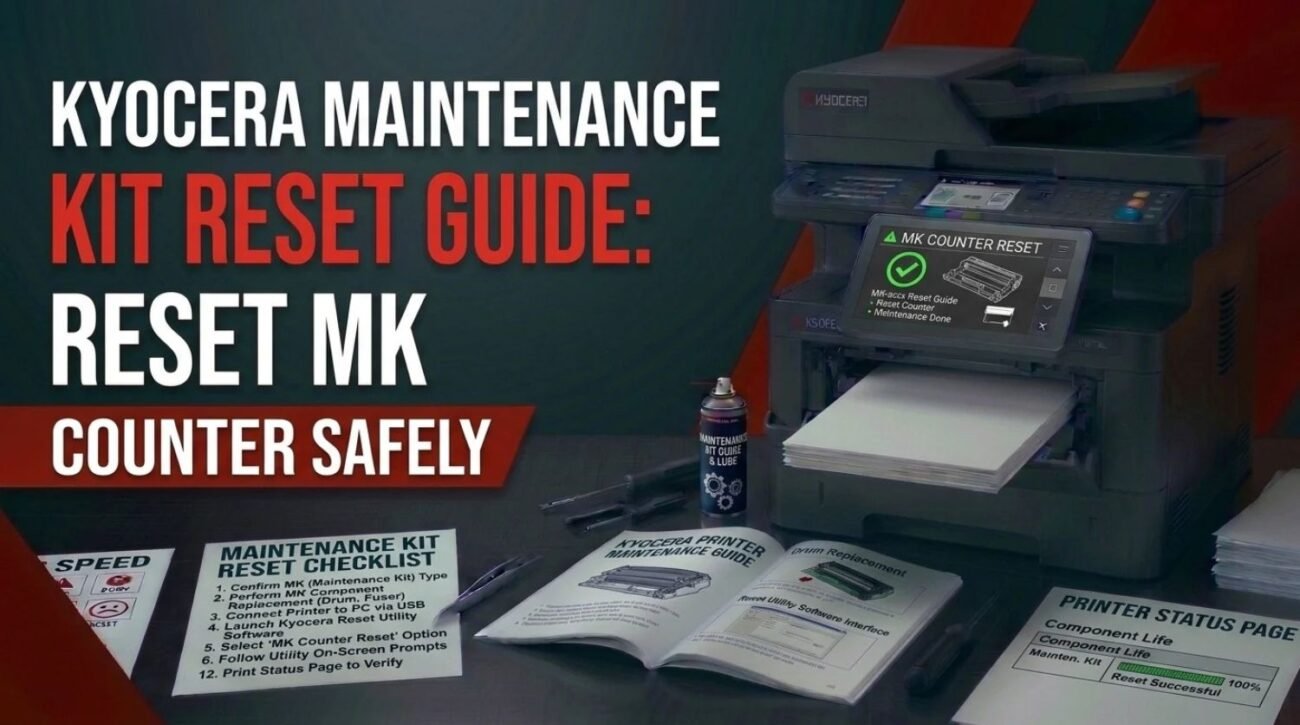
Kyocera Maintenance Kit Reset Guide: Reset MK Counter Safely

A Kyocera maintenance kit reset is used to clear or reset the maintenance kit counter afte...
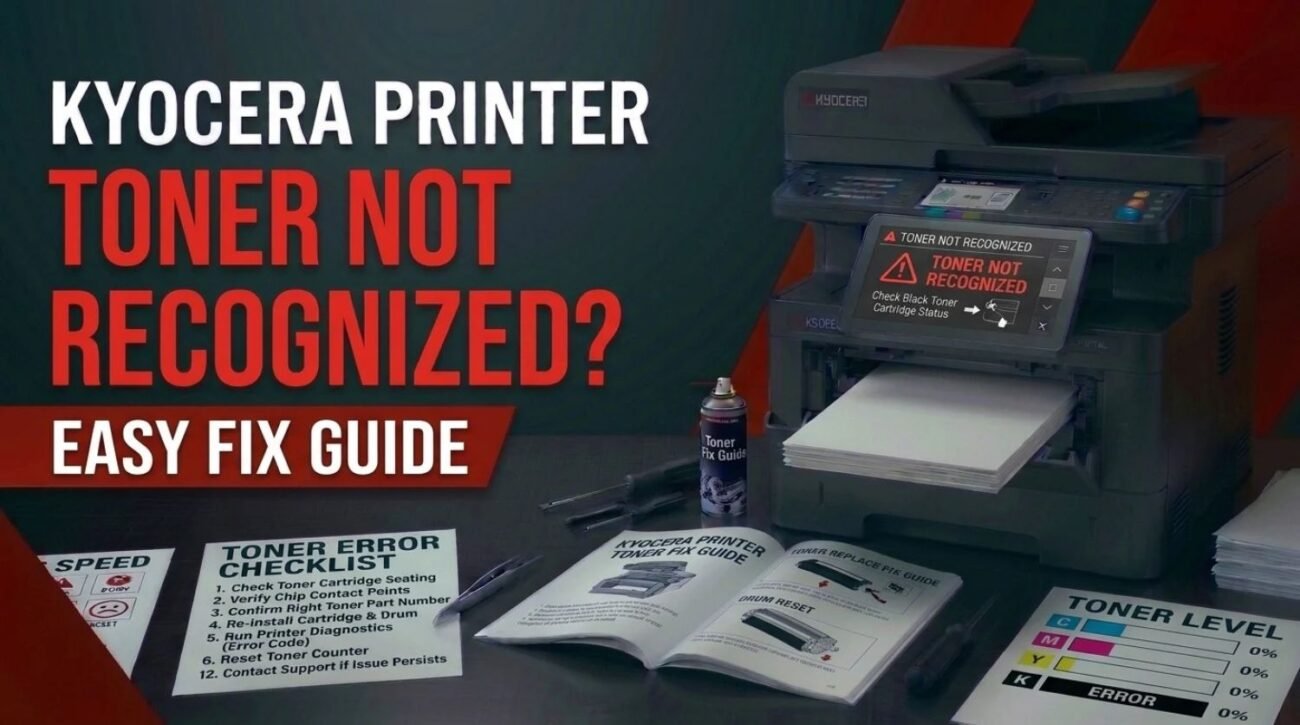
Kyocera Printer Toner Not Recognized? Easy Fix Guide
Is your Kyocera printer showing a toner error even though you have installed a new cartrid...
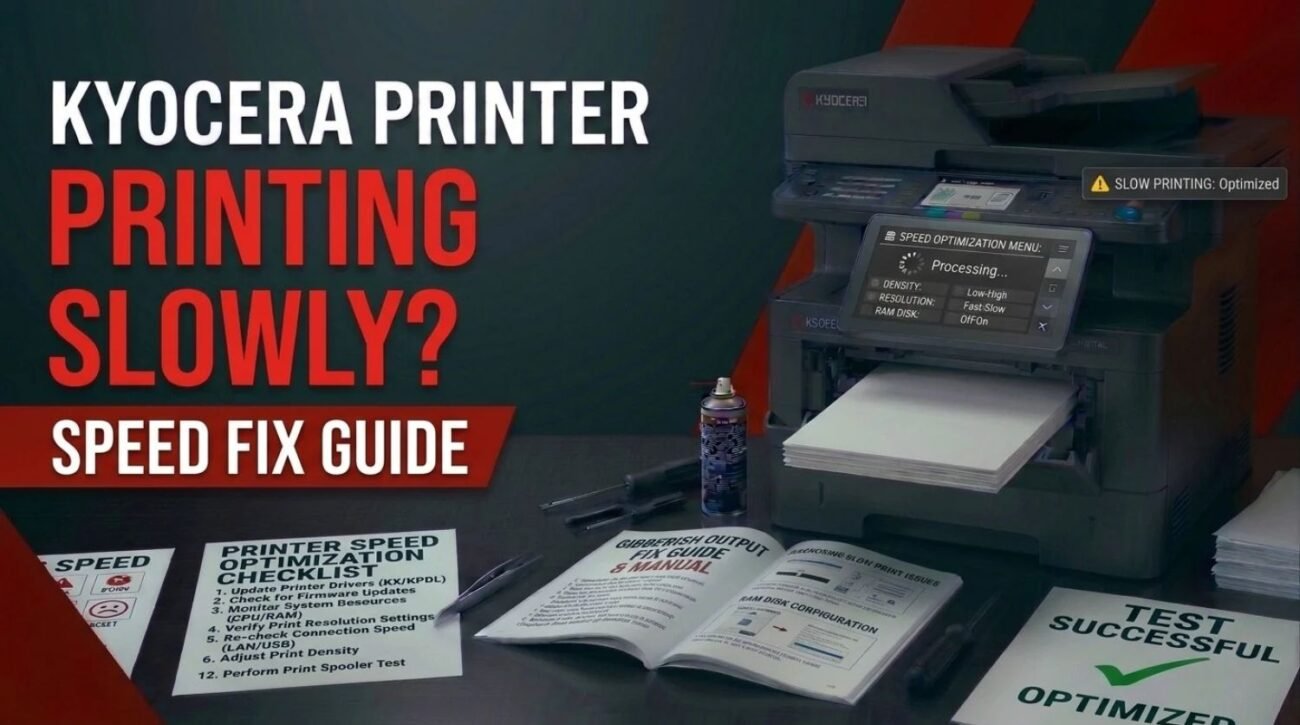
Kyocera Printer Printing Slowly? Speed Fix Guide
Is your Kyocera printer printing slowly even though it used to print documents much faster...
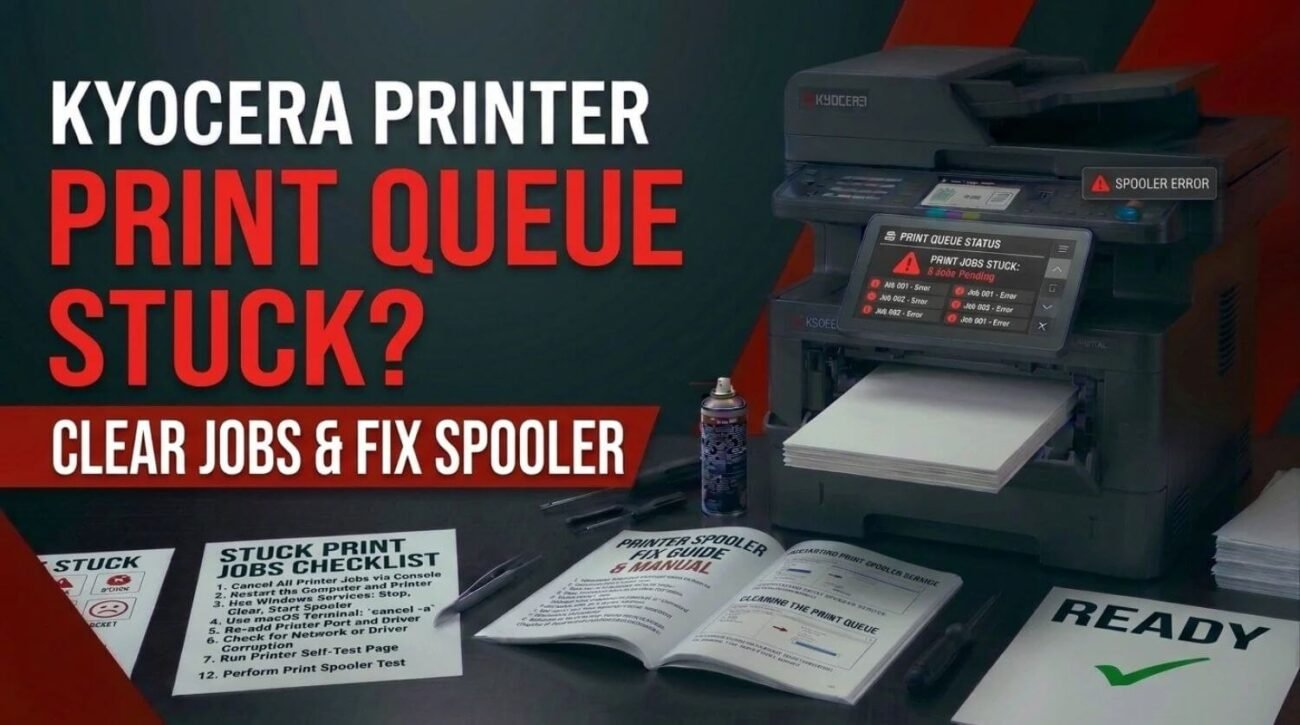
Kyocera Printer Print Queue Stuck? Clear Jobs & Fix Spooler
Is your Kyocera printer stuck with documents waiting in the print queue? A pending print j...
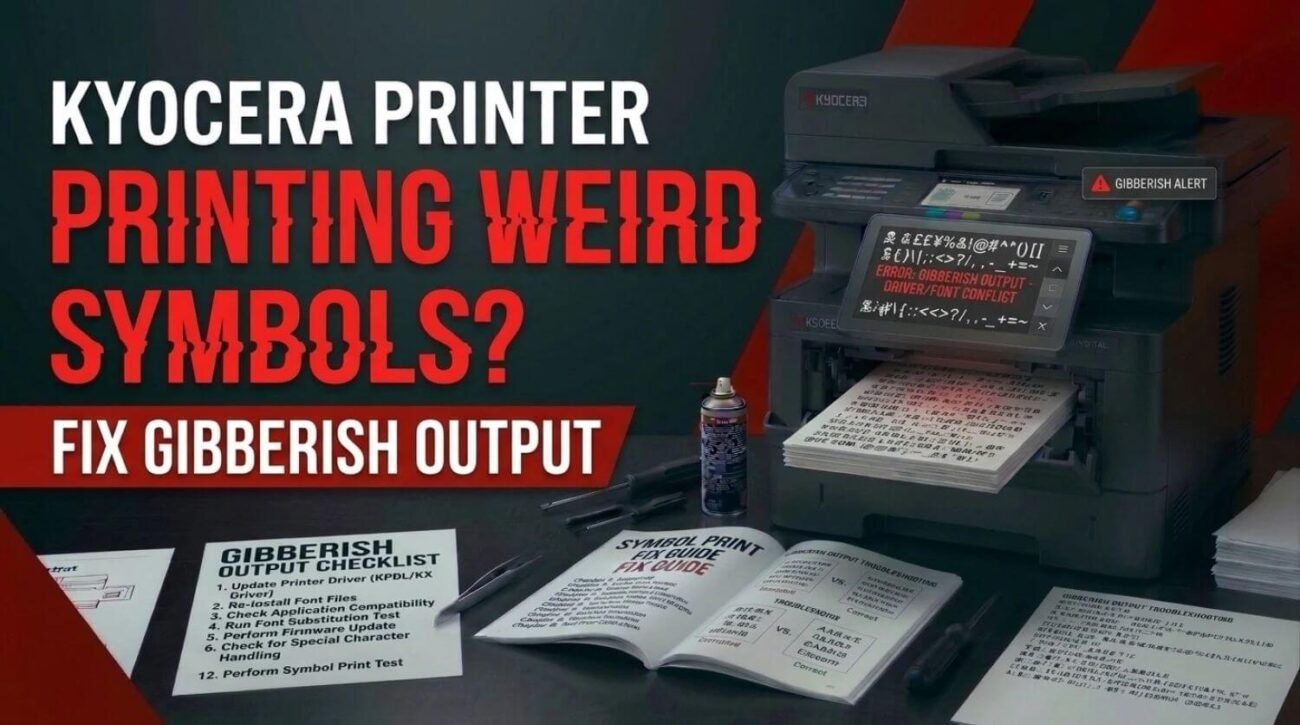
Kyocera Printer Printing Weird Symbols? Fix Gibberish Output
Is your Kyocera printer printing weird symbols, random characters, strange letters, or unr...
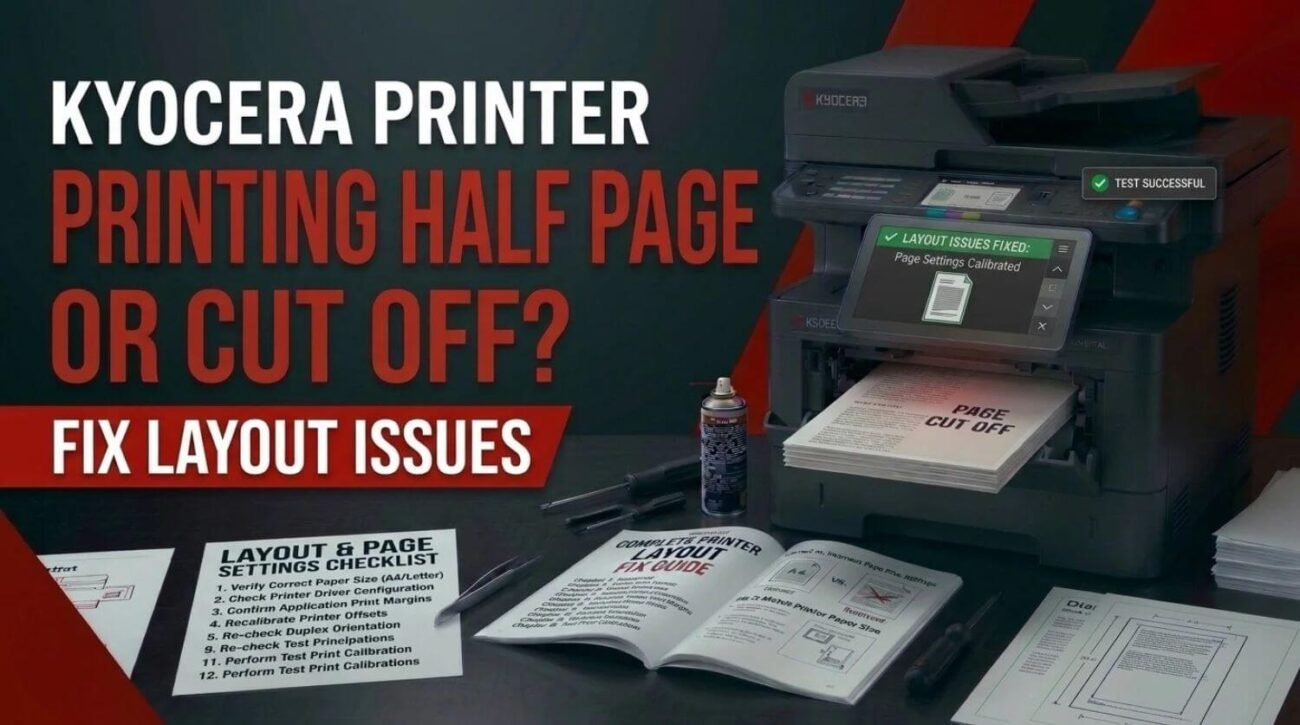
Kyocera Printer Printing Half Page or Cut Off? Fix Layout Issues
Is your Kyocera printer printing only half a page, cutting off text, or leaving part of th...
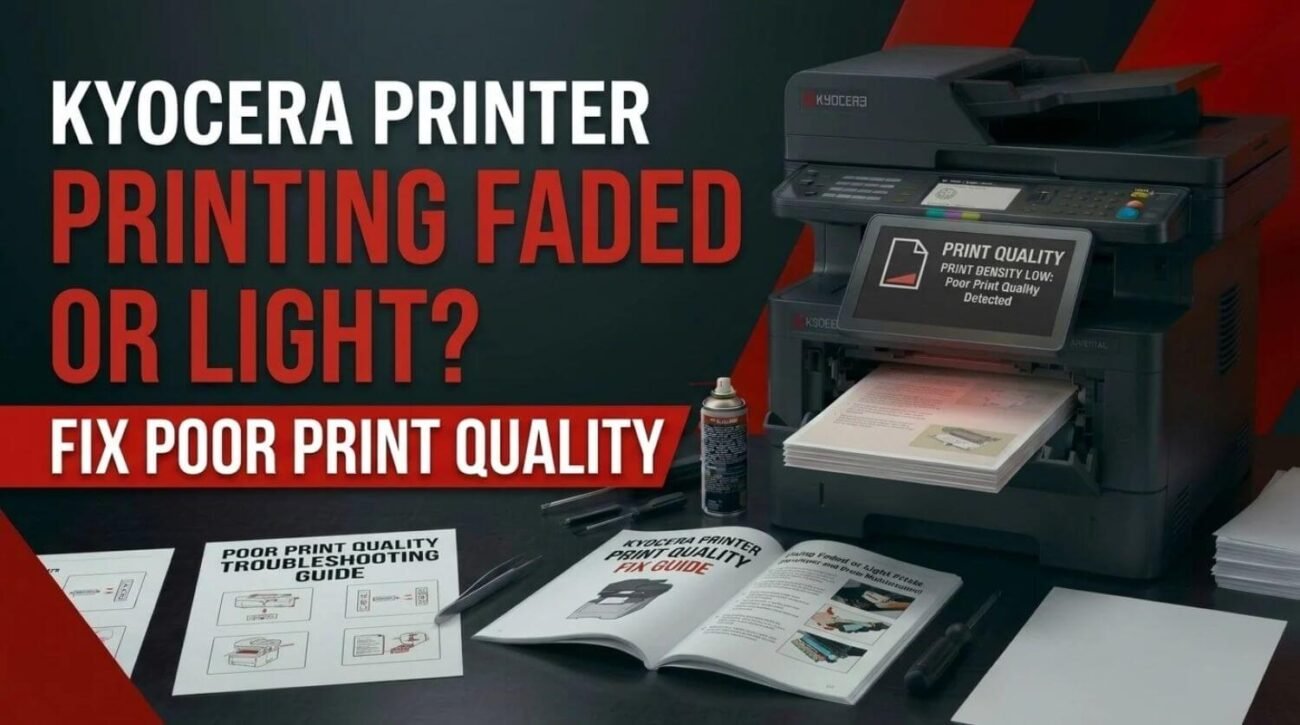
Kyocera Printer Printing Faded or Light? Fix Poor Print Quality
Is your Kyocera printer printing faded, light, or washed-out pages? Text may be difficult ...
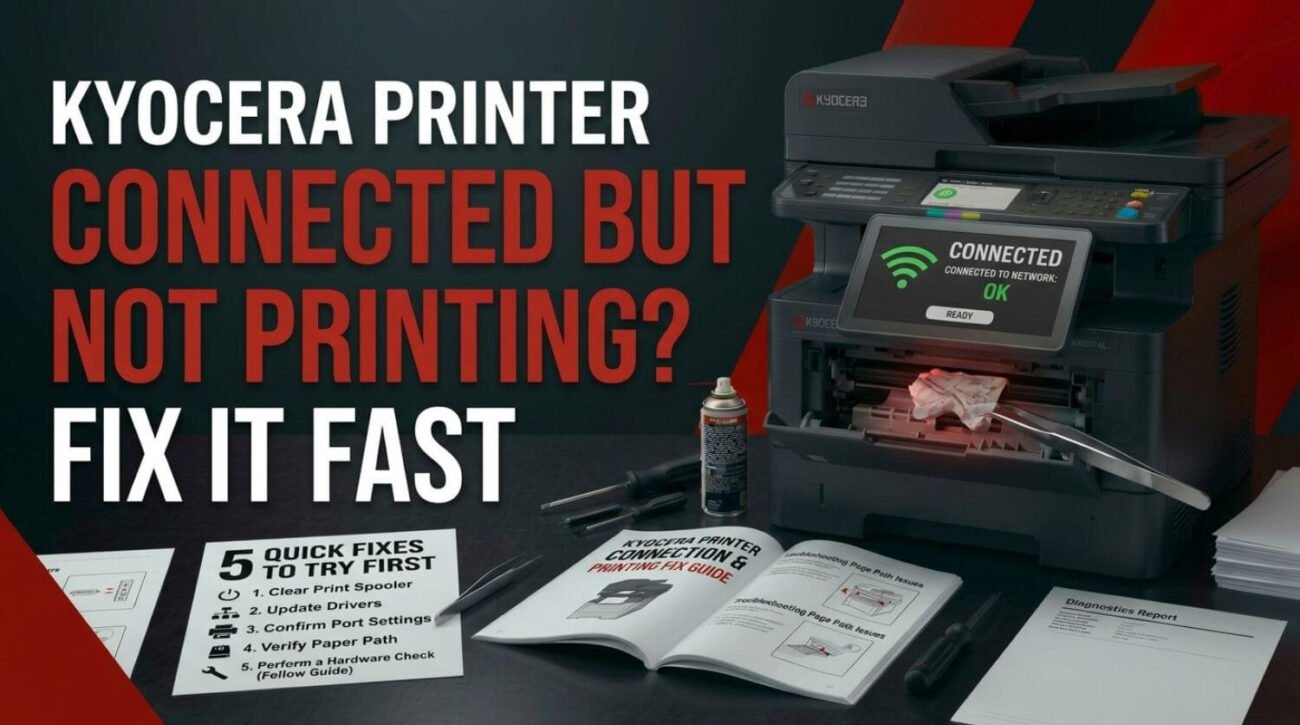
Kyocera Printer Connected But Not Printing? Fix It Fast
Your Kyocera printer may show as connected and ready, yet nothing happens when you send a ...
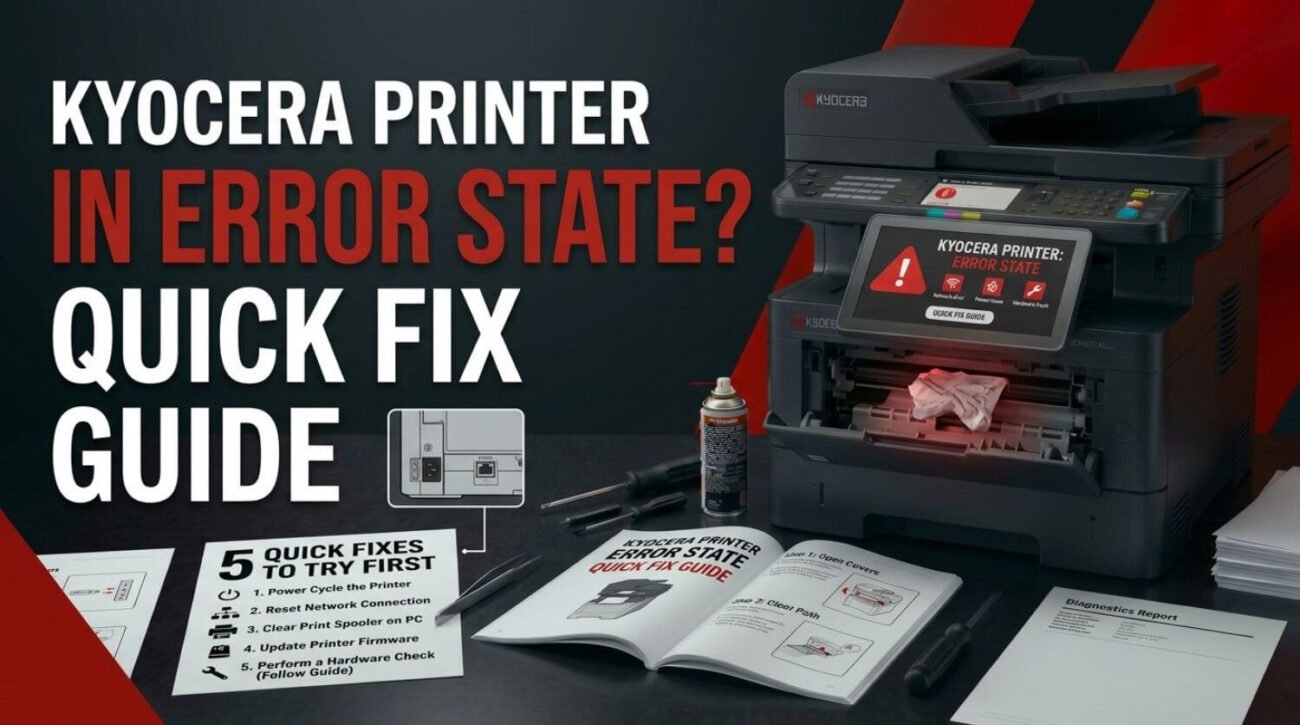
Kyocera Printer in Error State? Quick Fix Guide
A Kyocera printer in error state can stop printing even when the printer is powered on and...
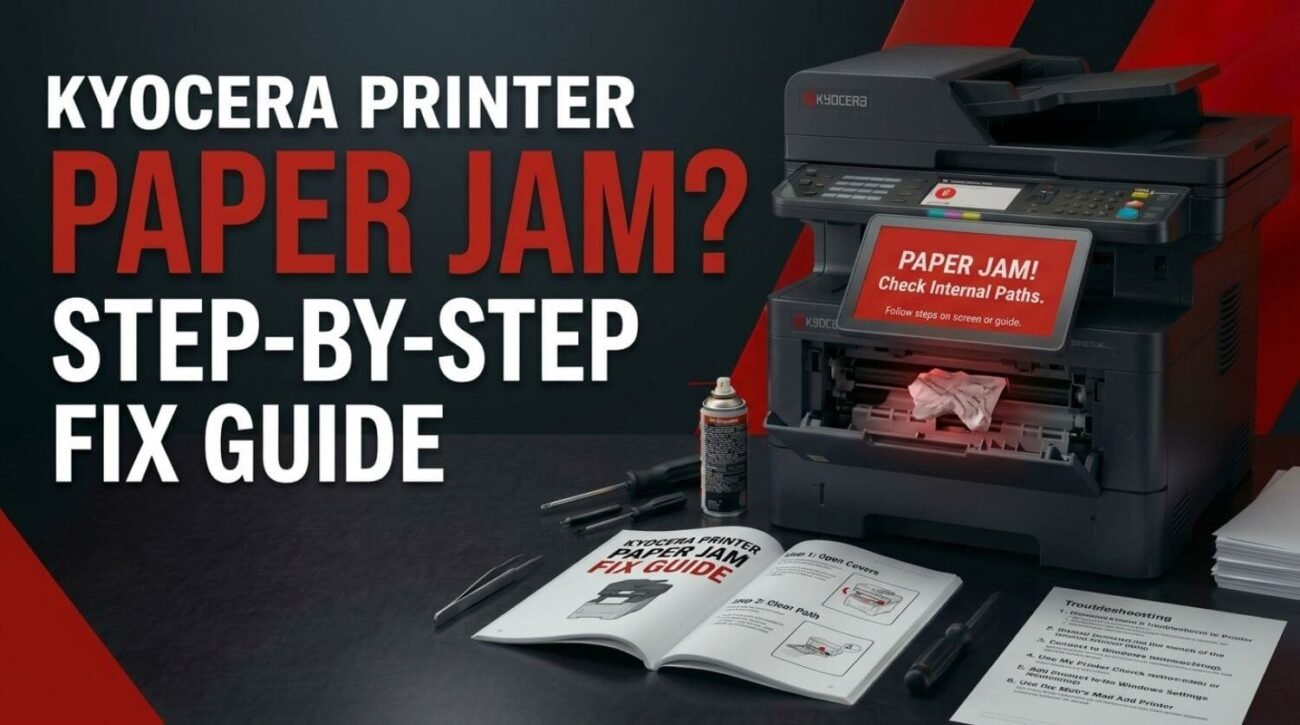
Kyocera Printer Paper Jam? Step-by-Step Fix Guide
A paper jam can stop a Kyocera printer from printing and may leave paper stuck inside the ...
