


Blog
Brother Printhead Cleaning Guide: Fix Clogs & Missing Ink (2026)

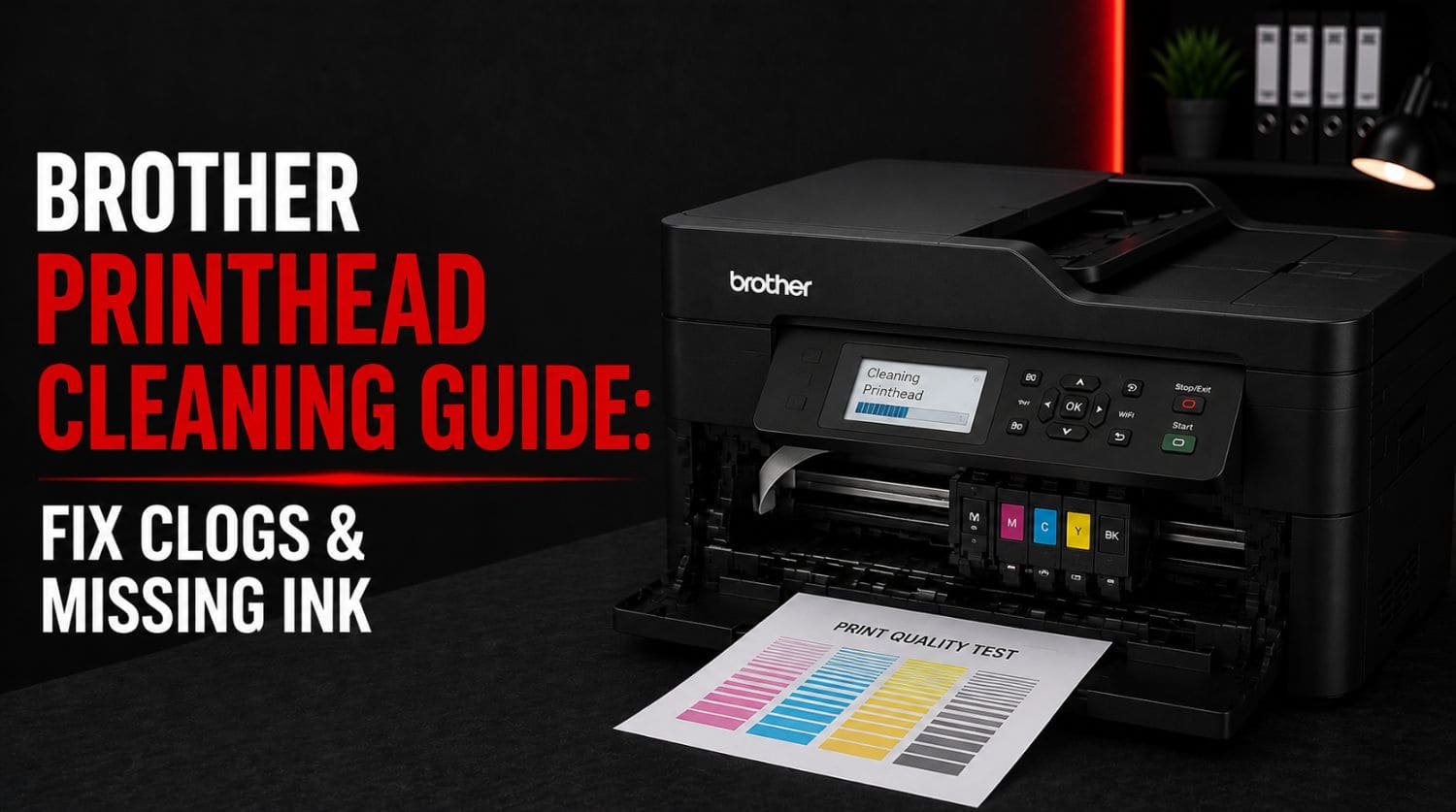
Quick Fix: How Do You Clean a Brother Printhead?
To clean a Brother printhead, open the printer’s maintenance menu, run the built-in printhead cleaning cycle, print a nozzle check page, and repeat only if necessary. This helps remove dried ink and restore normal printing.
The Solution:
Use Brother’s automatic cleaning feature, perform nozzle checks, maintain proper ink levels, and print regularly to prevent future clogs.
Table of Contents
- Introduction
- What Is a Printhead?
- Signs Your Brother Printhead Needs Cleaning
- Why Do Brother Printheads Get Clogged?
- Step 1: Check Ink Levels
- Step 2: Print a Nozzle Check Page
- Step 3: Run the Automatic Printhead Cleaning Cycle
- Step 4: Print Another Nozzle Check
- Step 5: Repeat Cleaning If Necessary
- Step 6: Allow the Printer to Rest
- When Should You Stop Running Cleaning Cycles?
- How to Prevent Printhead Clogs
- Common Printhead Cleaning Mistakes
- When Printhead Cleaning Doesn’t Work
- Quick Troubleshooting Checklist
- Frequently Asked Questions
- Final Thoughts
Introduction
Is your Brother printer producing blank pages, missing colors, faded text, or incomplete prints?
A clogged printhead is one of the most common causes of print quality problems in Brother inkjet printers.
When ink sits unused for long periods, it can dry inside the printhead nozzles and restrict ink flow.
Common symptoms include:
- Missing black ink
- Missing colors
- Blank pages
- Faded printing
- Streaks on documents
- Broken nozzle patterns
Fortunately, most printhead clogs can be fixed using Brother’s built-in maintenance tools.
This guide explains how to clean a Brother printhead safely and restore print quality.
If your printer has broader printing issues, visit our Brother Printer Not Printing? guide.
What Is a Printhead?
The printhead is the component responsible for spraying ink onto paper.
It contains hundreds of microscopic nozzles that deliver:
- Black ink
- Cyan ink
- Magenta ink
- Yellow ink
When these nozzles become blocked, print quality problems begin to appear.
Signs Your Brother Printhead Needs Cleaning
A clogged printhead often causes:
Missing Black Ink
Documents print without black text.
For dedicated troubleshooting, see: Brother Printer Not Printing Black? Guide.
Missing Colors
Photos and graphics lose certain colors.
For additional help, visit: Brother Printer Not Printing Color? Guide.
Blank Pages
Pages feed normally but contain little or no printing.
See: Brother Printer Printing Blank Pages? Guide.
Faded Printing
Text and graphics appear weak or washed out.
Broken Nozzle Check Patterns
Missing lines often indicate blocked nozzles.
Why Do Brother Printheads Get Clogged?
Common causes include:
- Infrequent printer use
- Dried ink
- Low ink levels
- Air bubbles in ink lines
- Poor-quality ink
- Long storage periods
Inkjet printers work best when used regularly.
Step 1: Check Ink Levels
Before cleaning the printhead, verify that sufficient ink is available.
Check:
- Black cartridge
- Cyan cartridge
- Magenta cartridge
- Yellow cartridge
Cleaning cycles require ink to operate effectively.
If a cartridge is empty, replace it first.
Step 2: Print a Nozzle Check Page
A nozzle check helps identify which colors are clogged.
Steps
- Open Brother printer settings
- Select Maintenance
- Choose Nozzle Check
- Print test page
Results
- Missing black lines = black nozzle clog
- Missing colors = color nozzle clog
- Broken patterns = printhead blockage
This provides a baseline before cleaning.
Step 3: Run the Automatic Printhead Cleaning Cycle
Brother printers include a built-in cleaning feature.
Steps
- Open Maintenance menu
- Select Cleaning
- Choose Black, Color, or All
- Start cleaning cycle
- Wait for completion
The printer will flush ink through the printhead to remove blockages.
Step 4: Print Another Nozzle Check
After cleaning:
- Print a new nozzle check page
- Compare results with the previous test
If patterns improve, the cleaning process is working.
Step 5: Repeat Cleaning If Necessary
Sometimes one cleaning cycle is not enough.
If improvement is visible but incomplete:
- Run a second cleaning cycle
- Print another nozzle check
Avoid excessive cleaning because it consumes significant amounts of ink.
Step 6: Allow the Printer to Rest
For stubborn clogs:
- Complete a cleaning cycle
- Leave the printer idle for several hours
- Perform another nozzle check
This allows dried ink deposits to soften.
Many difficult clogs clear after resting.
When Should You Stop Running Cleaning Cycles?
Do not run endless cleaning cycles.
Excessive cleaning:
- Wastes ink
- Increases maintenance costs
- May not solve severe clogs
If multiple cleaning cycles fail to improve output, further troubleshooting may be needed.
How to Prevent Printhead Clogs
The best solution is prevention.
Print Regularly
Print at least once every week.
Regular use keeps ink moving through the printhead.
Maintain Proper Ink Levels
Avoid allowing cartridges to run completely empty.
Low ink can introduce air into the system.
Use Quality Ink
Poor-quality ink can increase clogging risk.
Use genuine Brother cartridges whenever possible.
Keep the Printer Powered On
Many Brother printers perform automatic maintenance cycles while idle.
Turning the printer off completely may reduce these maintenance routines.
Store the Printer Correctly
Avoid:
- Extreme heat
- Direct sunlight
- Dusty environments
Proper storage helps protect the printhead.
Common Printhead Cleaning Mistakes
Avoid these mistakes:
❌ Running excessive cleaning cycles
❌ Ignoring low ink levels
❌ Using poor-quality cartridges
❌ Leaving the printer unused for months
❌ Replacing the printer before troubleshooting
Most printhead problems can be resolved with proper maintenance.
When Printhead Cleaning Doesn’t Work
If cleaning cycles fail completely, possible causes include:
- Severe clogging
- Damaged printhead
- Ink delivery system issues
- Empty cartridges
- Air in ink lines
In these cases, additional maintenance or repair may be required.
Quick Troubleshooting Checklist
✅ check ink levels
✅ print nozzle check page
✅ run cleaning cycle
✅ print another nozzle check
✅ repeat cleaning if necessary
✅ allow printer to rest
✅ use quality ink
✅ print regularly
✅ avoid excessive cleaning
✅ inspect overall print quality
Frequently Asked Questions
How often should I clean my Brother printhead?
Only when print quality issues appear. Routine unnecessary cleaning wastes ink.
Can a clogged printhead cause blank pages?
Yes. Severe clogs can prevent ink from reaching the paper.
Why is my Brother printer missing colors?
Color nozzles may be clogged, preventing proper ink flow.
Can cleaning fix missing black ink?
Yes. Many black ink issues are caused by clogged printhead nozzles.
Is it safe to run multiple cleaning cycles?
Yes, but excessive cleaning wastes ink. Limit cleaning cycles to what is necessary.
Final Thoughts
Printhead clogs are one of the most common causes of Brother printer printing problems.
Fortunately, most users can restore print quality by:
- checking ink levels
- running nozzle checks
- using the built-in cleaning cycle
- maintaining regular printer use
Proper maintenance not only fixes current issues but also helps prevent future clogs.
Following the steps in this guide will help restore missing black ink, missing colors, blank pages, and faded printing while keeping your Brother printer operating at its best.
