


How To Troubleshoot Common Large Format Printing Issues?

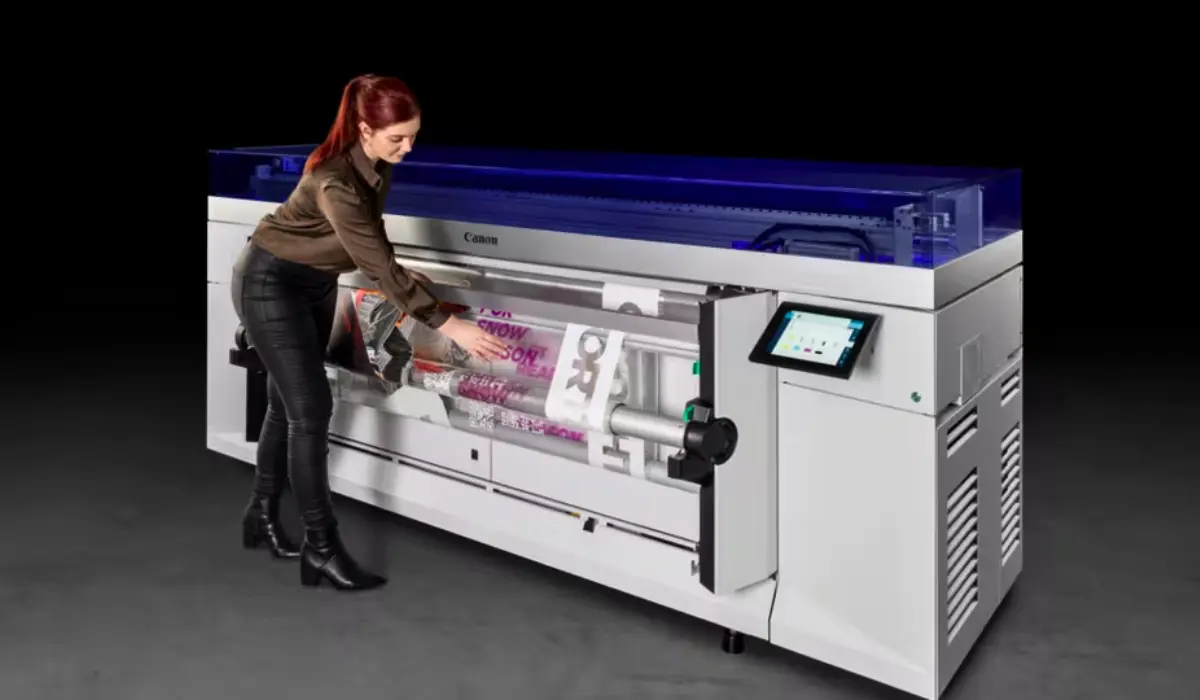
Print shops, advertising firms, architectural practices, and pprofessional-qualityely heavily on large-format printers for producing large-format prints such as banners, posters, CAD drawings and high-resolution graphics. Although large-format printers are designed to provide long-lasting service and produce accurate prints, they are still subject to technical difficulties during daily use. Knowing how to identify and troubleshoot common large format printing issues is very important for maintaining productivity and producing professional quality print jobs.
Whether you’re using a Canon or Epson large-format printer, small mistakes during setup, maintenance or media handling will typically lead to poor print quality. Banding, inconsistent colour, paper feed issues, and software incompatibility are all issues you may encounter when printing with a large-format printer. This guide will assist you in efficiently diagnosing and repairing common issues a large-format printer will experience, helping reduce downtime and protect your investment.
Understanding Print Quality Problems in Large Format Printers
Print quality issues are among the most noticeable problems in wide-format printing. These defects can range from subtle colour shifts to severe streaking across large banners or posters.
Banding and Horizontal Lines
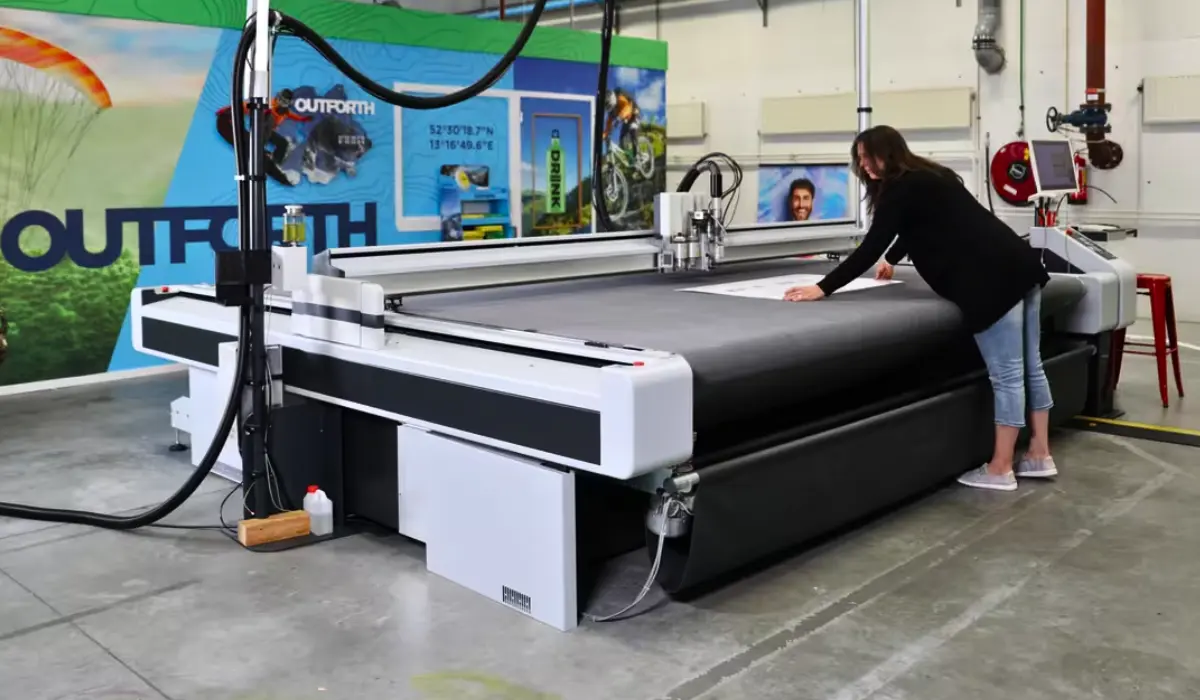
Banding appears as visible horizontal stripes across prints. This is often caused by clogged nozzles or misaligned print heads. In Canon large format printer issues, banding may occur if the print head requires cleaning or alignment calibration. Running an automatic nozzle check and head cleaning cycle from the printer menu typically resolves the issue.
With Epson large format printer issues, banding can sometimes be linked to dried ink due to infrequent use. Epson printers with PrecisionCore technology require consistent maintenance cycles to maintain optimal ink flow. Regularly printing small test pages prevents clogging.
Colour Inaccuracy and Faded Output
If your printed documents have a low level of brightness or the colours appear to be incorrect, double-check your colour management settings. Common causes for printing colours incorrectly can be associated with not having proper ICC profiles installed or using outdated drivers. In the case of Canon printers using pigment-based inks, it is important to use the appropriate media profiles in order to ensure accuracy in the distribution of pigment.
On the other hand, Epson printers may need to be recalibrated when switching from one type of media to a different type of media such as between matte paper and glossy photographic paper. To avoid incorrect colour in your documentation, be sure to calibrate your monitor and have the most current version of firmware installed on your printer.
Media Feeding and Paper Handling Errors
Large rolls of paper or vinyl require precise loading. Even a small alignment mistake can disrupt production.
Paper Jams and Skewing
Paper jams are frequent in both Canon and Epson wide-format systems. In many Canon large format printer issues, skewed loading of heavy rolls can cause feed sensors to trigger error messages. Carefully aligning the roll and ensuring the media guides are secure prevents this problem.
Epson large format printer issues sometimes involve incorrect platen gap settings, especially when printing on thick media like canvas. Adjusting the platen gap through the control panel helps eliminate head strikes and smudging.
Media Curling and Wrinkling
Humidity plays a major role in print performance. Excess moisture can cause paper curling, leading to head contact or misalignment. Store media in a controlled environment and allow it to acclimate before printing.
Ink System and Print Head Challenges
Ink delivery systems are critical in maintaining consistent output. Problems here often result in noticeable defects.
Clogged Print Heads
Clogging is one of the leading causes of common large format printing issues. Canon printers with pigment-based inks may require periodic deep cleaning if left unused. Epson printers also need regular maintenance cycles to prevent ink drying inside the nozzles.
To prevent clogs:
- Run weekly nozzle checks
- Print test pages regularly
- Avoid turning off the printer abruptly
Ink Smearing or Over-Inking
If ink appears to smear or take too long to dry, verify that the selected media matches the actual material. Both Canon and Epson printers offer specific profiles for coated, uncoated, glossy, and fine art papers. Incorrect settings may lead to oversaturation.
Software, Driver, and RIP Problems
Sometimes the issue is not hardware-related but connected to software or file processing.
Outdated Drivers and Firmware
Using outdated drivers can result in communication errors between your computer and printer. Canon large format printers often require updated firmware to support newer operating systems. Epson large format printer issues can also occur if the printer driver does not match the RIP software version.
Always download updates from the official manufacturer website to ensure compatibility.
Large File Processing Delays
High-resolution print files are often large and complex. Slow processing may be due to insufficient RAM or network bandwidth. Flattening file layers, reducing unnecessary elements, or upgrading system memory can improve processing speed.
Alignment and Calibration Issues
Accurate alignment ensures crisp lines and precise graphics, especially in architectural and technical printing.
Misaligned Print Heads
Shadowed text or duplicated lines indicate head misalignment. Both Canon and Epson printers offer automatic alignment tools accessible through the control panel. Running alignment tests periodically prevents recurring defects.
Incorrect Media Profiles
Selecting the wrong media profile affects ink absorption and drying time. Always choose the correct preset when switching between vinyl, canvas, or photographic paper. This simple step can prevent many common large format printing issues before they start.
Preventive Maintenance for Long-Term Performance
Preventive care significantly reduces unexpected downtime. Following these best practices helps avoid costly repairs:
- Clean feed rollers monthly.
- Perform scheduled print head alignments.
- Keep firmware and drivers updated.
- Maintain room temperature between recommended ranges.
- Store ink cartridges properly.
Routine maintenance not only minimizes Canon large format printer issues and Epson large format printer issues but also extends overall machine lifespan.
When to Contact Professional Support
If troubleshooting has been completed multiple times, professional repair may be necessary. Persistent trouble codes, mechanical issues or internal sensor malfunctions would all require advanced technology expertise and assessment. Hard-to-detect hardware-related issues should not be attempted to be repaired without the appropriate training – attempting to do so may cause more harm than good. Qualified service providers can check items such as encoder strips, carriage belt and internal circuitry for optimal operation.
Conclusion
Large format printers are excellent production devices, but there can also be mechanical issues that arise with them at any level of print technology. Learning how to troubleshoot and resolve common large format printing issues will assist in ensuring the quality of printed products remains consistent and downtime is kept to a minimum. Understanding Canon or Epson-based large format printer mechanical problems that originate from improper print head alignment, clogged nozzles, incorrect media settings, or software conflicts can generally be resolved with proper maintenance, checking printer configurations, and installing the most current software versions.
By taking a proactive approach through routine cleaning cycles, accurate calibration, and proper media storage, you can ensure long-term durability and reliable performance. By understanding the causes behind common large format printing issues and implementing preventive measures, you can effectively manage mechanical challenges associated with wide-format printers and consistently produce high-quality results across all projects.
Frequently Asked Questions
1. What are the most common Canon large format printer issues?
Common problems include clogged print heads, media feed errors, and color calibration inconsistencies. Regular maintenance reduces these risks.
2. What are typical Epson large format printer issues?
Epson printers may experience banding, ink drying, or platen gap misalignment. Routine cleaning cycles help maintain performance.
3. How often should I run a nozzle check?
It is recommended to perform a nozzle check weekly, especially if the printer is used frequently.
4. Can humidity affect wide-format printing?
Yes, high humidity can cause paper curling and drying delays, affecting print quality and alignment.
5. When should I seek professional repair services?
If error codes persist or mechanical components fail repeatedly after troubleshooting, contact authorized service support for inspection.
