Blog
Do Epson EcoTank Printers Dry Out? Complete 2026 Guide

Do Epson EcoTank Printers Dry Out? Complete 2026 Guide
If you’re considering buying an Epson EcoTank printer in 2026, one of the most common questions you may have is: Do Epson EcoTank printers dry out?
Many people have experienced dried ink cartridges, clogged printheads, and expensive maintenance with traditional inkjet printers. Naturally, they want to know whether Epson’s EcoTank technology solves these problems.
The good news is that Epson EcoTank printers are specifically designed to reduce the risk of ink drying out. Thanks to their refillable ink tank system, sealed ink reservoirs, and automatic maintenance features, EcoTank models are significantly less likely to experience drying issues than traditional cartridge-based printers.
However, like all inkjet printers, EcoTank printers are not completely immune to clogged nozzles if left unused for extremely long periods.
In this updated 2026 guide, we’ll explain:
- Why printer ink dries out
- How Epson EcoTank technology works
- Whether EcoTank printers clog
- How long EcoTank printers can sit unused
- Best maintenance practices
- How EcoTank compares to cartridge printers
By the end of this article, you’ll know whether an Epson EcoTank printer is the right choice for your home, office, school, or business.
Quick Answer
No, Epson EcoTank printers do not typically dry out under normal use.
Their sealed ink tank system and automatic maintenance cycles greatly reduce the risk of dried ink and clogged printheads. However, if an EcoTank printer remains unused for several months, some nozzle clogging may still occur.
Printing a page every week and keeping the printer powered on can help prevent almost all drying issues.
What Is an Epson EcoTank Printer?
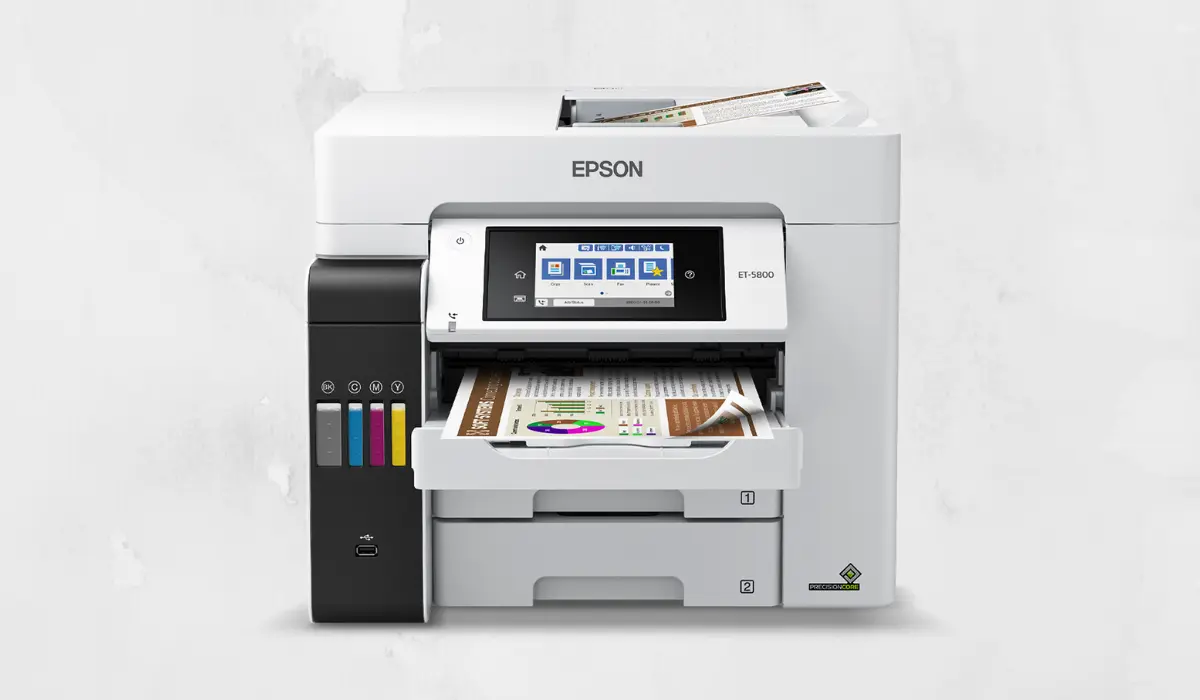
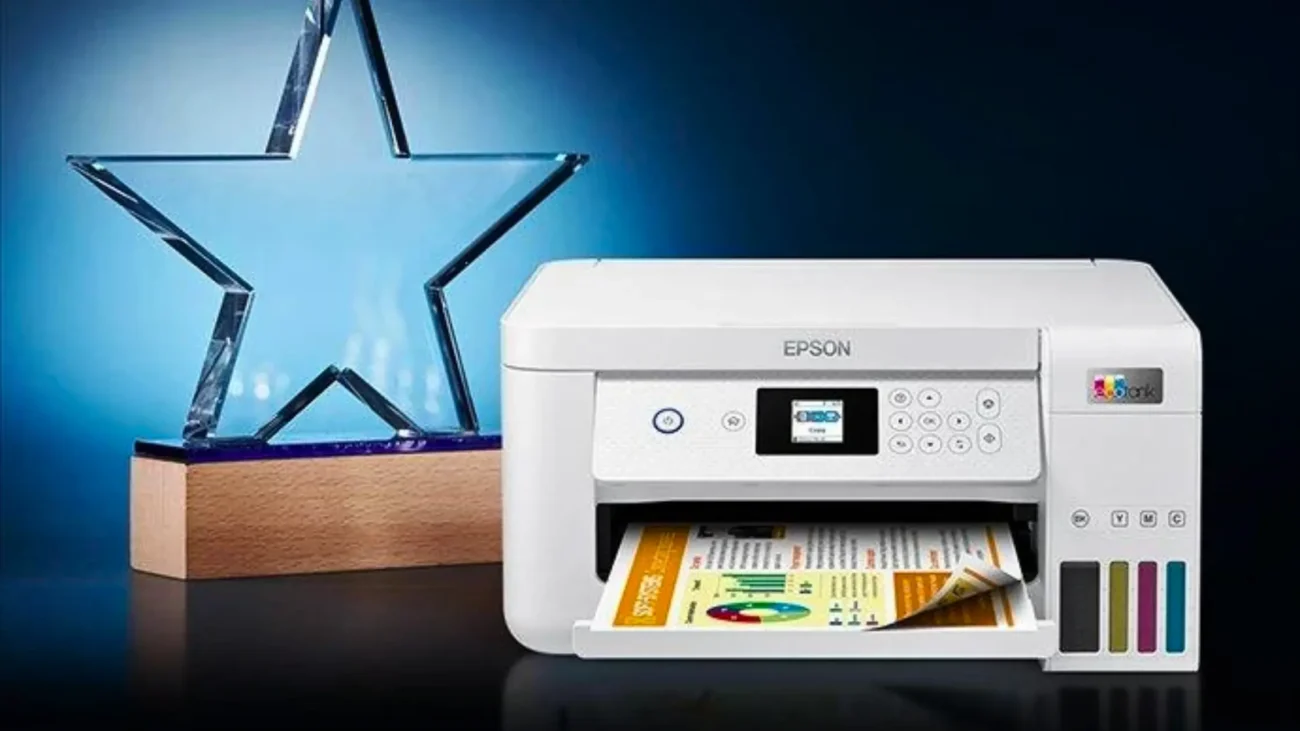
Epson EcoTank printers use refillable ink tanks instead of traditional ink cartridges.
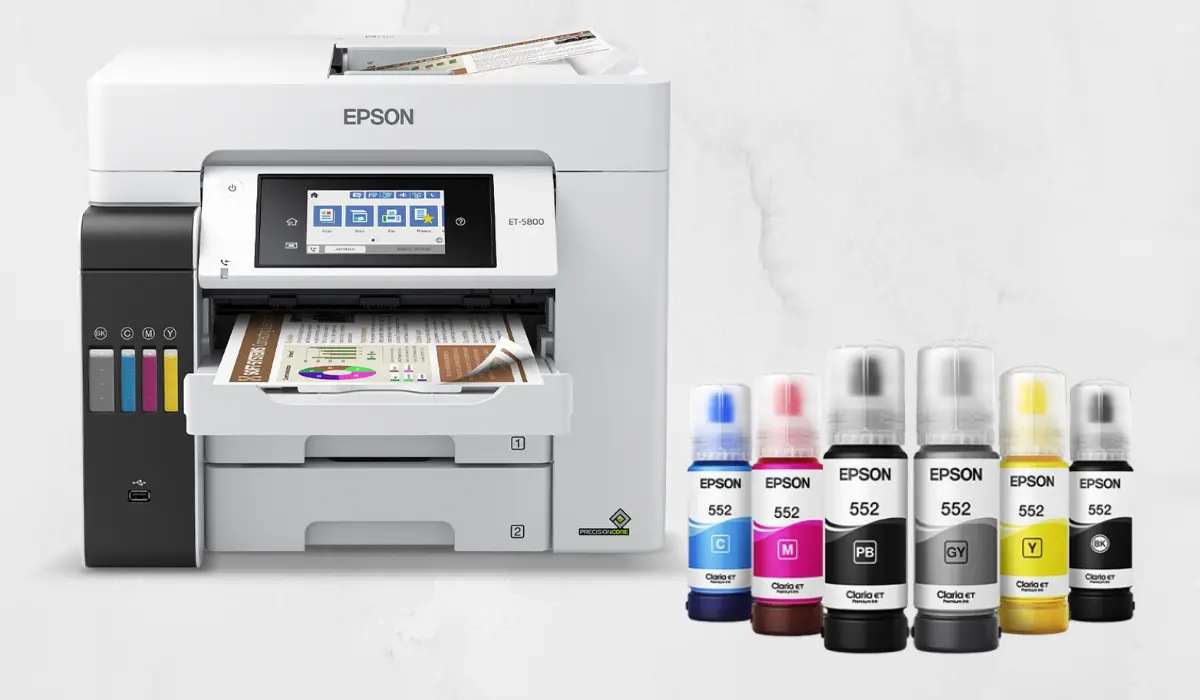
Rather than replacing cartridges regularly, users refill large ink reservoirs using Epson ink bottles.
Benefits include:
- Lower printing costs
- Higher page yields
- Less waste
- Fewer cartridge replacements
- Reduced maintenance
Popular EcoTank models include:
- Epson EcoTank L3250
- Epson EcoTank L4260
- Epson EcoTank L5290
- Epson EcoTank ET Series
- Epson EcoTank Workforce Models
Because EcoTank printers store ink differently, they handle long-term ink storage much better than conventional cartridge printers.
Why Does Printer Ink Dry Out?
To understand whether Epson EcoTank printers dry out, it’s important to understand why ink dries in the first place.
Inkjet printers create prints by spraying microscopic droplets of liquid ink through tiny nozzles.
When a printer sits unused:
- Ink remains inside the printhead
- Moisture gradually evaporates
- Dried ink accumulates around nozzles
- Print quality decreases
- Nozzles may become blocked
Common causes of dried printer ink include:
Long Periods of Inactivity
Printers left unused for weeks or months are more likely to develop clogged nozzles.
Hot or Dry Environments
Low humidity and excessive heat accelerate ink evaporation.
Poor-Quality Ink
Third-party inks may dry faster and increase clogging risks.
Improper Storage
Printers stored in garages, warehouses, or direct sunlight often experience more drying issues.
How Epson EcoTank Printers Prevent Ink Drying
One reason Epson EcoTank printers remain popular in 2026 is their ability to minimize clogging and drying problems.
Epson incorporates several technologies designed to keep ink flowing properly.
Sealed Ink Tank System
EcoTank printers use enclosed ink reservoirs that reduce exposure to air.
This helps:
- Reduce evaporation
- Maintain ink quality
- Prevent contamination
- Extend ink lifespan
Unlike traditional cartridges, EcoTank ink remains protected inside the system.
Continuous Ink Supply
EcoTank printers deliver ink continuously from the tanks to the printhead.
Benefits include:
- Stable ink flow
- Reduced air bubbles
- Consistent print quality
- Lower risk of dried nozzles
This design is one reason EcoTank printers often outperform cartridge printers in long-term reliability.
Automatic Maintenance Cycles
Modern Epson EcoTank printers perform automatic maintenance routines.
These maintenance cycles:
- Keep nozzles moist
- Circulate ink
- Prevent blockages
- Maintain print quality
This is why Epson recommends keeping the printer plugged in whenever possible.
Can Epson EcoTank Printers Clog?
Yes, but it is less common than with cartridge-based printers.
Even the best inkjet printer can experience clogging if:
- It sits unused for several months
- Non-genuine ink is used
- The printer is stored improperly
- Maintenance cycles are interrupted
Fortunately, most minor clogs can be cleared using Epson’s built-in printhead cleaning function.
How Long Can an Epson EcoTank Printer Sit Unused?
Many users ask:
How long can an Epson EcoTank printer go without printing?
Under normal conditions:
- A few weeks: Usually no issues
- One to two months: Generally safe
- Several months: Possible minor clogging
- Six months or more: Higher risk of nozzle blockage
Actual results vary depending on temperature, humidity, and maintenance settings.
Compared to traditional cartridge printers, EcoTank models handle inactivity much better.
How to Prevent Epson EcoTank Ink from Drying Out
Following a few simple maintenance habits can keep your printer operating smoothly for years.
Print Something Weekly
Print a small page containing:
- Black text
- Color graphics
- Simple images
This keeps ink flowing through all nozzles.
Leave the Printer Plugged In
Many EcoTank printers perform automatic maintenance when idle.
Disconnecting power frequently may prevent these maintenance cycles from running.
Use Genuine Epson Ink
Original Epson ink is specifically formulated for EcoTank systems.
Benefits include:
- Better print quality
- Lower clogging risk
- Longer printhead life
- Consistent performance
Maintain Proper Room Conditions
Store your printer in:
- Moderate temperatures
- Normal indoor humidity
- Dust-free environments
Avoid direct sunlight and extreme heat.
Epson EcoTank vs Cartridge Printers
Traditional Cartridge Printers
Common issues include:
- Frequent cartridge replacements
- Higher printing costs
- Greater drying risk
- More cleaning cycles
Users who print infrequently often experience dried cartridges and wasted ink.
Epson EcoTank Printers
Advantages include:
- Large refillable tanks
- Lower operating costs
- Reduced ink waste
- Better long-term reliability
- Lower risk of drying
This makes EcoTank printers one of the best options for homes, schools, and small businesses in 2026.
Are Epson EcoTank Printers Good for Infrequent Printing?
Yes.
Many buyers assume EcoTank printers only suit heavy users, but they also perform well for light printing.
If you print:
- School assignments
- Household documents
- Monthly invoices
- Occasional photos
An EcoTank printer can still be an excellent choice.
Simply printing once every week or two is usually enough to maintain optimal performance.
Benefits of Epson EcoTank Printers in 2026
Beyond preventing dried ink problems, EcoTank printers offer several major advantages.
Lower Cost Per Page
EcoTank printers can print thousands of pages before requiring a refill.
Less Plastic Waste
Refillable bottles reduce cartridge waste significantly.
High Print Quality
EcoTank models deliver excellent text and color output.
Long-Term Savings
Many users recover the higher purchase price through reduced ink costs.
Reliable Everyday Printing
EcoTank printers are designed for continuous use and long-term durability.
Frequently Asked Questions
Do Epson EcoTank printers dry out if not used?
They can develop minor nozzle clogs if left unused for several months, but they are much less likely to dry out than traditional cartridge printers.
How often should I use my Epson EcoTank printer?
Printing once per week is generally enough to keep the printhead in good condition.
Can dried EcoTank ink be fixed?
Yes. Most minor clogs can be resolved using Epson’s built-in printhead cleaning utility.
Is EcoTank better than cartridge printers?
For most users, EcoTank printers offer lower operating costs, better ink efficiency, and reduced drying risks.
Are Epson EcoTank printers worth buying in 2026?
Yes. EcoTank printers remain one of the best choices for cost-effective, reliable printing in homes, schools, and businesses.
Final Verdict: Do Epson EcoTank Printers Dry Out?
The answer is simple: Epson EcoTank printers are far less likely to dry out than traditional cartridge-based printers.
Their sealed ink tanks, continuous ink delivery system, and automatic maintenance features help keep ink flowing smoothly and significantly reduce the risk of clogged printheads.
While no inkjet printer is completely immune to drying issues, EcoTank printers are among the most reliable options available in 2026. With simple maintenance habits such as weekly printing and using genuine Epson ink, most users can enjoy years of trouble-free printing.
For home users, students, remote workers, schools, and businesses looking for a low-maintenance and cost-effective printer, Epson EcoTank remains one of the best printer technologies available today.