


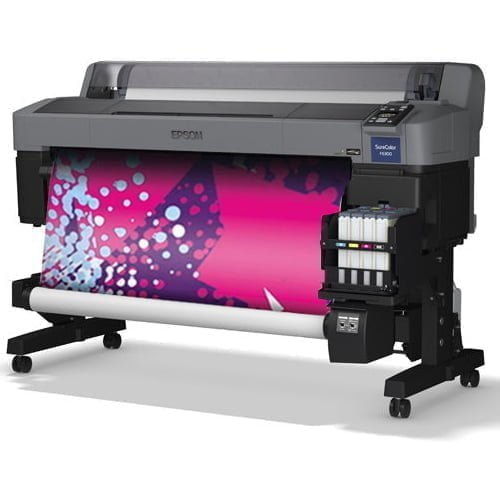
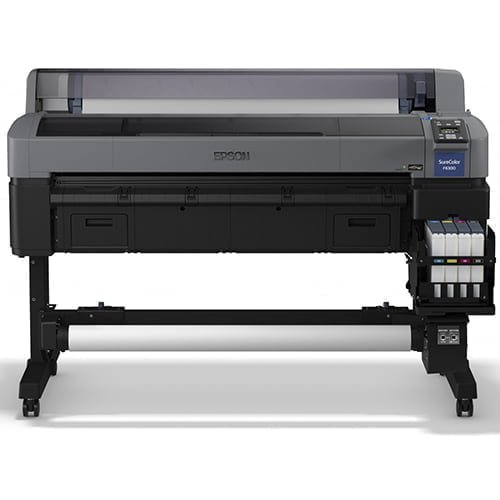


Epson SureColor SC-F6300 (hdK)
The SureColor SC-F6300, 44-inch, dye-sublimation printer has been developed for textile producers, promotional goods businesses and photographic studios. It boasts a low TCO thanks to improved user productivity and reduced downtime. Easy user access and printhead maintenance minimise the need to call an engineer. This reduction in downtime and easy maintenance access keep your business running more efficiently. The enhanced specification of key parts increases product life and ROI. Quicker start-up from delivery. No special tools or specialist knowledge required. The out-of-the-box, easy start-up approach, gets businesses up and running as quickly as possible.
Description
Complete Epson solution: Hardware, software, printhead, ink and sublimation paper
Easy installation: Special tools and specialist knowledge are not required
Optional take-up reel: The optional Epson take-up reel offers more control of take-up quality
Product durability: The enhanced specification of key parts increases product life and ROI
Low TCO: Easy user access and downtime reduction
Printing Method: PrecisionCore™ TFP print head
Ink Technology: Ultrachrome® DS
Colours: Black, Cyan, Yellow, Magenta
Ink tank capacity: 1,500 ml
Minimum Droplet Size: 4 pl, With Variable-Sized Droplet Technology
Printing Resolution: 720 x 1,400 DPI
Paper Formats: 44 ” (111.8 cm)
Print Margins Roll Media Mode 1: 5 mm (top), 3 mm (right), 3 mm (bottom), 3 mm (left)
Compatible Paper Thickness: 0.08 mm – 0.5 mm
Compatible Paper Weight: 40g/m² or heavier
Compatible Substrate Thickness: Up to 1 mm
Product dimensions: 1,608 x 1,128 x 917 mm (Width x Depth x Height)
Product weight: 85 kg
Memory (Printer): 512 MB, Network: 128 MB
Included Software: Epson Edge Print
Related products
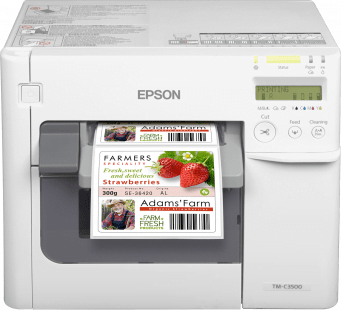
Epson ColorWorks C3500
Colour label printer
The high-speed, high-quality colour label printer, designed to print a wide variety of labels in-house with a low cost-per-label. Whether you’re printing labels, tickets or tags, the ColorWorks C3500 (TM-C3500) is designed to help your business print a wide variety of colourful labels in-house. Featuring high-quality print speeds of up to 103mm/sec and individual pigment ink cartridges, your business can save money on outsourcing label production, by printing labels on-demand.Print your own labels
With the ColorWorks C3500 (TM-C3500), you can easily customise and print your own colour labels. Whether it's printing packaging labels with colourful logos and pictures or tickets and ID cards with important barcodes and product information, this printer ensures you can print it all from one machine. It also helps you conform with GHS international chemical labelling guidelines, as labels can be printed on-demand without using pre-printed templates.High-quality and durable
Thanks to the individual pigment ink cartridges, you can create fast-drying, highly detailed labels that are smudge, water and fade resistant. Not only will your labels look great, but the pigment ink's long-lasting, durable qualities make it perfect for a wide variety of environments.Easy-to-use 4-colour label printer
You can easily print on a wide selection of materials, including matte and glossy coated paper and filmic labels. This means you can create exactly the type of labels you need. The LCD screen displays ink levels and printer status information, while front operation and easy setup software means you can operate the printer without specialist training.Saving you money
Thanks to individual pigment ink cartridges, this label printer is ideal for cutting printing costs with its low cost-per-label, as you only need to replace the colour used.

Epson SureColor SC-F6400
44-inch dye sub printer
- Complete Epson solution Hardware, software, printhead, ink and sublimation paper
- Easy installation Special tools and specialist knowledge are not required
- Optional take-up reel Print longer, uninterrupted lengths by winding media onto a core
- Product durability Enhanced specification increases product life and improves ROI
- Low TCO Easy user access and downtime reduction


Epson SureColor SC-P900
Image accuracy and depth
The SC-P900 photo printer has been developed with outstanding print quality as standard. Increased black density for better gradation, deeper blacks, and less graininess, is achieved through UltraChrome Pro 10 ink, the new F10 printhead and black enhance overcoat technology (BEO) for finer detail and texture in black areas. The blue colour gamut allows the user to more accurately reproduce the image seen on screenEasy to use
The simplicity of the design is complemented by the SC-P900's ease of use. It features a customisable user interface, internal lighting, an optional roll paper unit, fine art paper feeding from ASF, easy media profile setting, printing from smart devices, and no black ink change with the new F10 printhead for 10 colours.Additional maintenance box
The ink supplied with your printer is used during the initial setup. In order to produce the highest quality prints, the printer needs to be, and will be, fully charged with ink. After setup is complete, the ink remaining in the cartridges, and the service life of the maintenance box, will be limited. This is why, for your convenience, we have supplied an additional maintenance box. Even if ink levels are low, or the service life of the maintenance box is nearing an end, you can continue to print until the printer displays replacement instructions. However, we do recommend that users are prepared with replacement ink cartridges.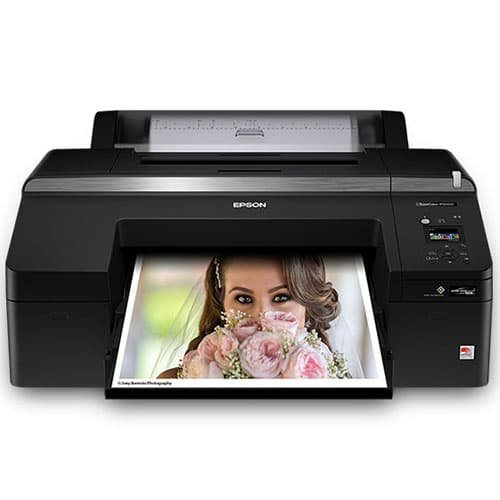

Epson SureColor P5000
- Refined printer design — improved dust and static control for reduced printhead nozzle maintenance
- Improved Black density — higher-density Black pigments for a wider contrast ratio and enhanced clarity for both color and black-and-white prints
- Exceptional print permanence — offers next-generation pigment ink technology for up to twice the overall print permanence than our previous generation of ink
- Remarkable detail — Epson PrecisionCore TFP printhead delivers high print speeds with 360 nozzles per color channel, with variable-size ink droplets as small as 3.5 picoliters
- Versatile, productive media handling — automatically switch between the high-capacity front paper cassette and the roll media feeder
- Standard Edition — 10-color UltraChrome HDX Ink set features Orange and Green and three-level Black inks supporting advanced black-and-white photographic printing
- Commercial Edition — includes an all-new Violet ink (in place of Light Light Black) to deliver an industry-best 99 percent PANTONE® PLUS FORMULA GUIDE solid-coated color matching, ideal for commercial and flexographic proofing applications.
- Designer Edition — offers all the features of the Standard Edition, plus it includes EFI® Fiery® eXpress for Epson, an industry‑leading software RIP with true Adobe® PostScript® 3™ for accurate CMYK and spot color printing
- Epson Precision Dot screening algorithm — ensures incredibly accurate control of the sizing and mixing of ink droplets for beautiful prints
- Easy to use — 2.7" LCD panel allows for easy setup, control and maintenance of the printer
- Epson Print Layout — simplified workflow and easy color control. Find this download on the Support tab.
- Optional On-Board Spectrophotometer – Epson SpectroProofer UVS developed jointly with X-Rite automates color profile creation, printer linearization, and proof verification.
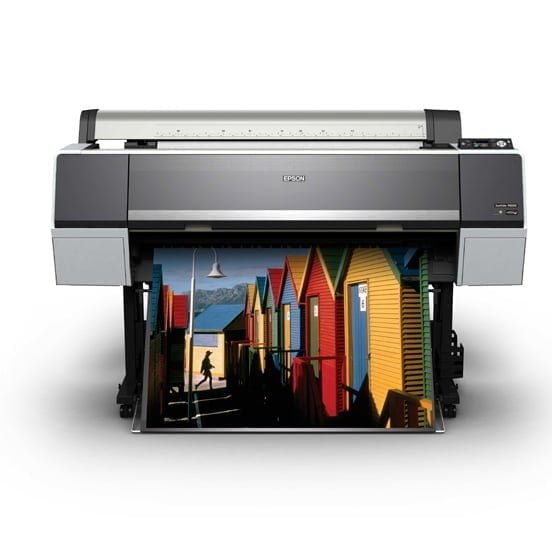
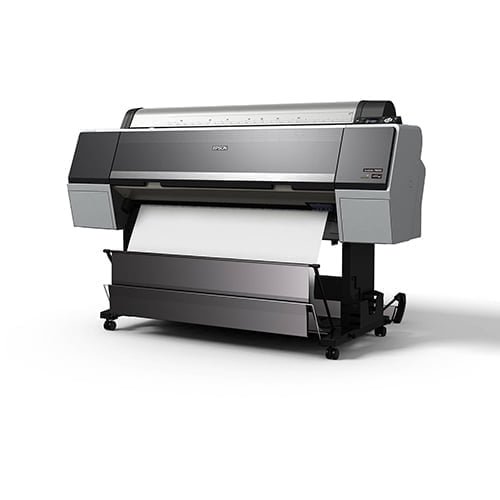
Epson SureColor SC P8000 STD
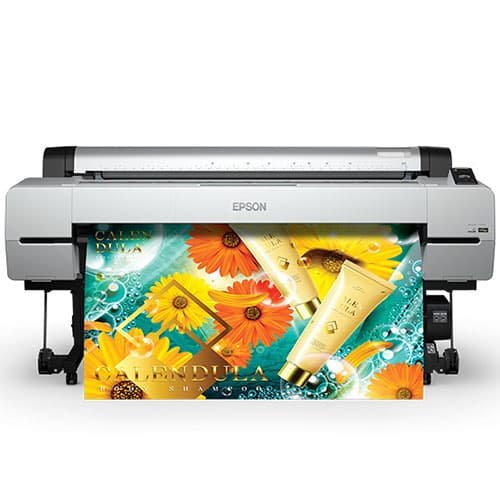

Epson SureColor P20000
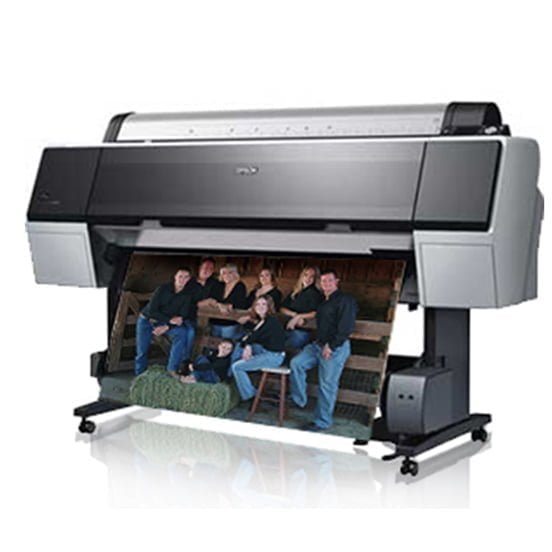

Epson Stylus PRO 9900
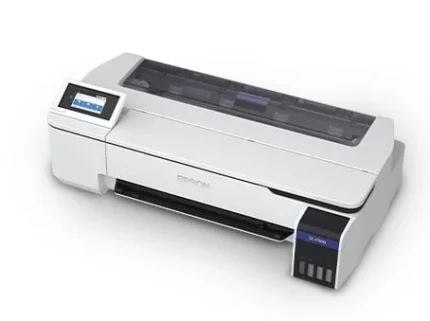

Epson SureColor SC-F500
Expand your business offering
This is our first 24-inch, dye-sublimation printer. It was developed to help promotional houses, photo labs, clothing producers and copy shops increase customer choice through flexible, high-quality printing.Key Features
- Refillable ink solution: 140ml ink bottles can be used, even while printing
- Anti-dust design: Prevents misprints due to nozzle clogging, or time-consuming cleaning cycles
- Auto switch between media: Switch between cut sheets and roll media with ease
- Wi-Fi connectivity: For ease of use; this is a first for Epson's dye sublimation range
- Accounting tool: Easy to use software to accurately calculate print costs

Reviews
There are no reviews yet.